
AI Effects and Templates
Pick an effect, describe a scene or add an image, and use a few details to make the result your own.
Video effects
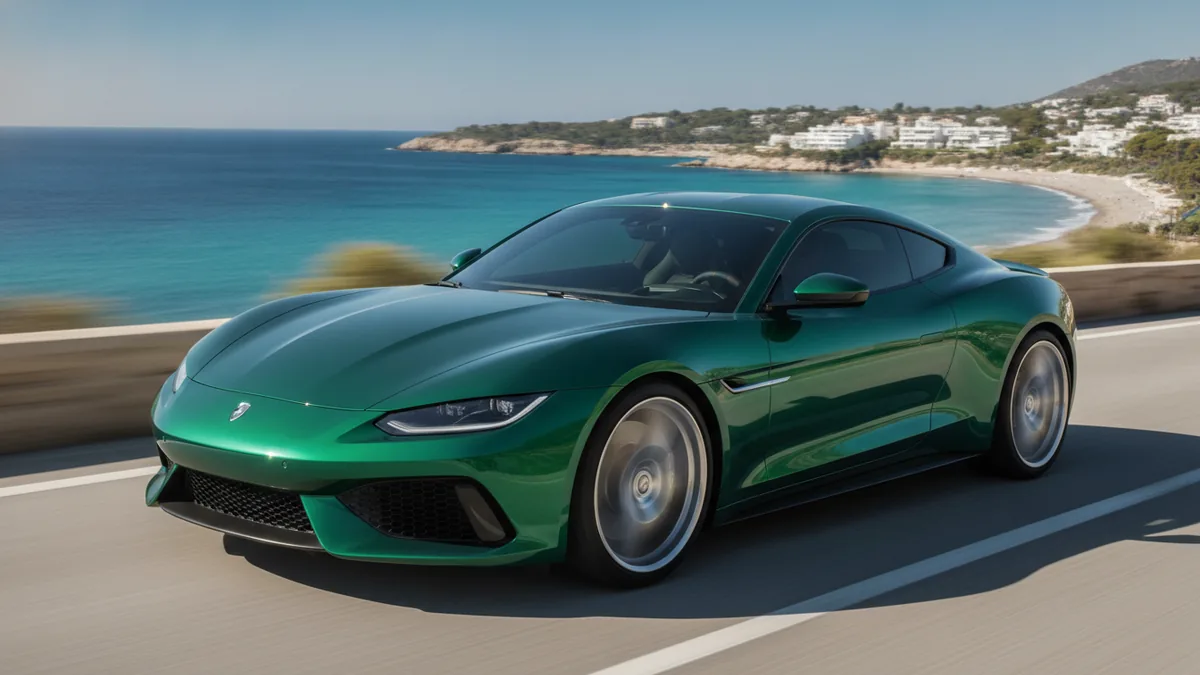
AI Car Driving Video
Animate one car photo into a promotional driving video or social clip.
Open templateHotel Lobby AI Video
Turn one combined duo image into an original Kling 3.0 performance clip with generated audio.
Open template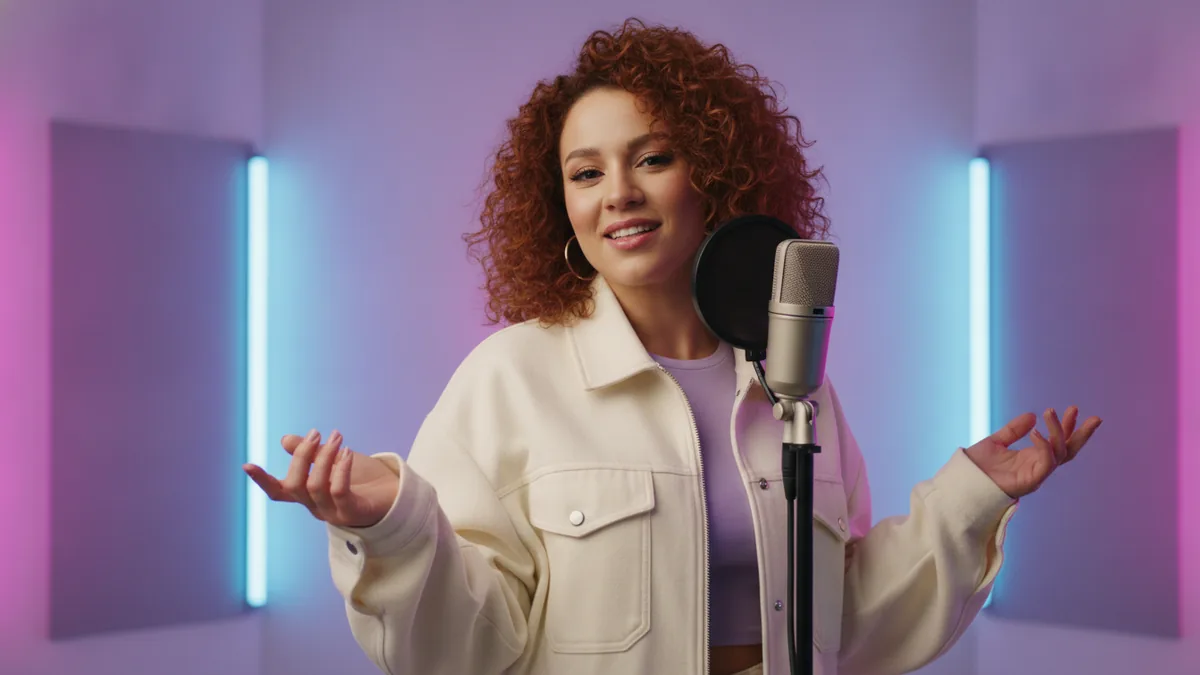
AI Rap Video Generator
Create a short original rap performance from text with Kling 3.0 and generated audio.
Open template
AI Animated Story Generator
Create a short one-scene animated story with Kling 3.0 and optional audio.
Open template
RainDance AI Video Generator
Animate one prepared sunset pier image with Kling 3.0 into an original silent coastal visual performance.
Open templateImage effects
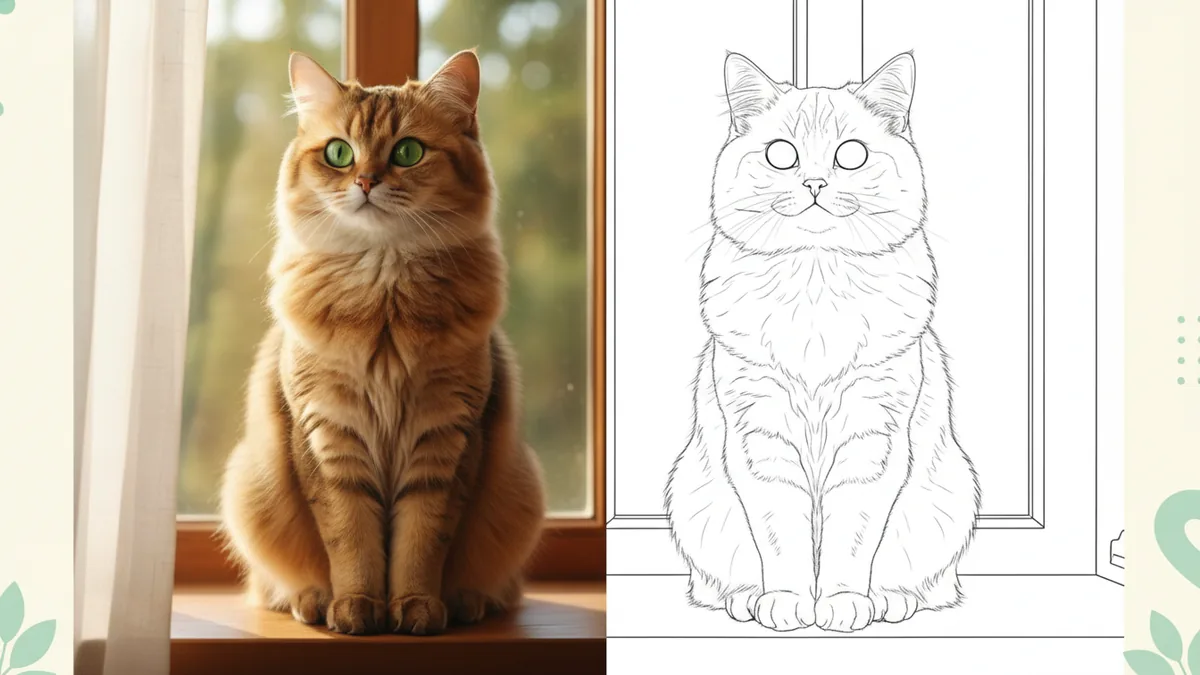
Photo to Coloring Page
Turn one photo into black-and-white line art for coloring.
Open template
AI Headshot Generator
Create a professional headshot from one permitted adult portrait.
Open template
AI Baby Generator
Use exactly two permitted adult portraits to create a fully clothed imagined baby concept with Nano Banana 2.
Open template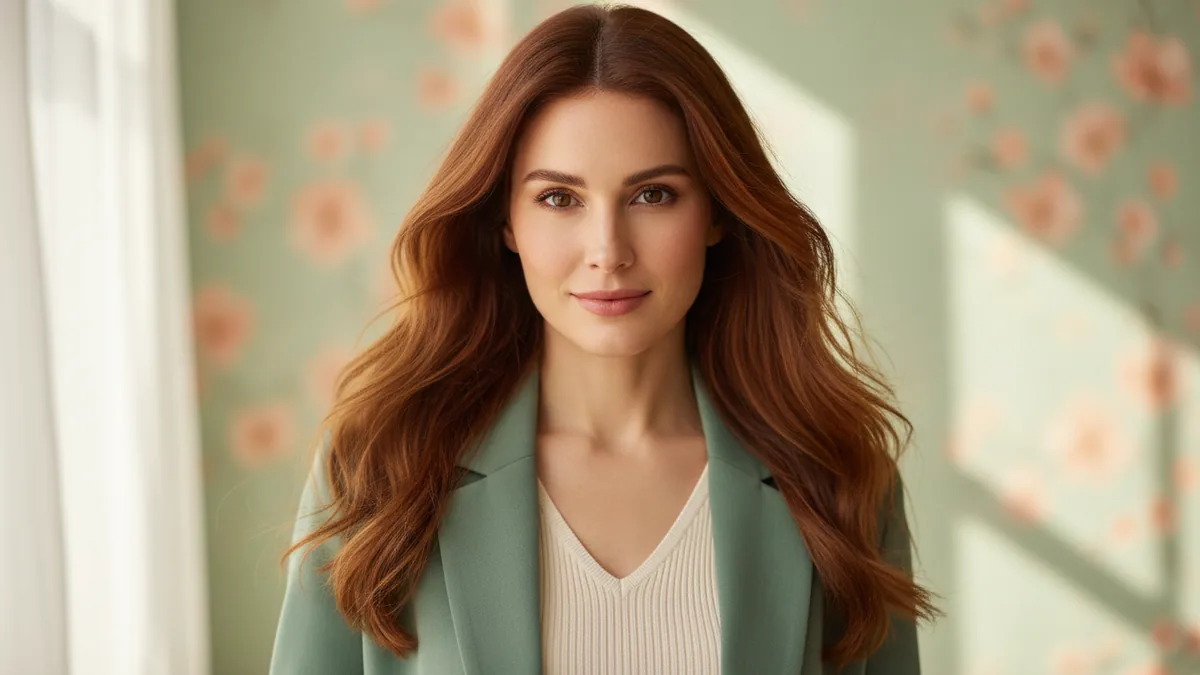
AI Girl Generator
Create a fully clothed fictional adult woman or character from text with the supported Google Nano Banana workflow.
Open template
AI Photo Enhancer
Refine one photo with a restrained direction for light, color, noise, and clarity.
Open template
AI Photo Editor
Give one image a focused background, style, color, or product-image edit.
Open templateThe illustrations help you choose an effect. They are concept art, while your result can vary with the prompt, source image, and model settings.
Pick an Effect, Add a Prompt or Photo, and Preview
Each template brings a focused treatment to a prompt or image and leaves room for your own details.
- 01
1. Choose a template
Pick the image or video effect that matches the result you need, then open its focused workflow.
- 02
2. Upload and add details
Describe the scene or add the image required by the selected treatment, then write or edit the details you want to try.
- 03
3. Check the cost and generate
Review the exact credit cost beside Generate before you submit, then preview the finished image or video. Download access follows your plan or purchase.
Effects and Template Questions
What templates are available?
The public effects cover image and video workflows, including coloring pages, professional portraits, photo edits, car scenes, performances, and animated stories. Open an effect card to see its required input and current workflow.
Which model does each template use?
Each template uses a workflow suited to its effect. The selected model, required inputs, and audio settings are explained on the individual tool page and shown in its generator.
Are the illustrations on these cards real outputs?
No. They are concept art to help you choose. Your result is created from the image you upload, and image or video details can vary.
How are credits and policy handled?
Your existing account, moderation, and credit rules apply. The exact cost is shown before generation; see Pricing for current options and the Refund policy for applicable rules.