One prepared image is required
The video step accepts exactly one prepared sunset pier image. The helper is a separate manual preparation job and does not auto-start this video.
Model
Optional details: gentle turn toward the sunset; slow camera drift; coastal breeze; teal sweater; warm golden light; one or two adult performers
153/1642
≈ 290 credits
The exact cost is confirmed after you sign in.
Sign in to see your credit balance and generate a video.
The estimate is for the model, length and settings you have selected.
Sign in to see the exact credit cost before generating.
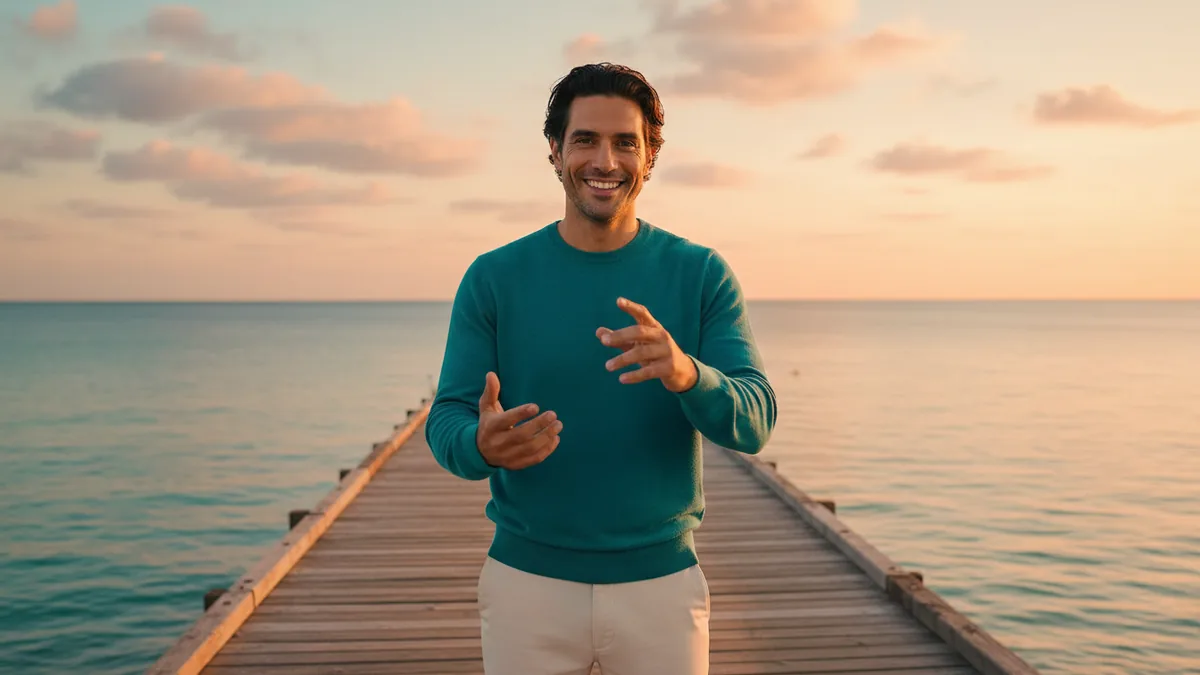
The illustrations help you choose an effect. They are concept art, while your result can vary with the prompt, source image, and model settings.
Turn one prepared sunset pier image into a short original coastal visual performance. Kling 3.0 is the default image-to-video model; other compatible models and their audio settings remain available when supported. The starting visual direction is silent, but the generated result follows the selected model and settings.
Fixed effect: Use exactly one prepared sunset pier image, starting with Kling 3.0 image-to-video and its available audio setting. Other compatible image-to-video models remain selectable when available. The prompt provides silent visual guidance, while audio follows the selected model and settings and may be absent; the result is an original, fully clothed coastal visual performance with one or two adults and does not recreate a named artist, song, lyrics, voice, or exact lip-sync performance.
Use the helper to turn one or two permitted adult portrait references into a prepared coastal sunset pier frame. Frame preparation and video generation are separate jobs, each with its own current cost shown before you generate.
Upload one prepared image, guide the visual motion, and review the current video cost before you generate.
Use exactly one image already prepared for the coastal sunset pier setting. If you have portraits instead, use the helper first and then upload its result here.
Guide a turn, gesture, camera drift, clothing, light, or coastal atmosphere. The starting direction is visual; audio availability and output follow the selected model and settings, and no music upload is required.
Check the exact credit cost beside Generate, submit the selected image-to-video job, and review the finished visual performance and audio before sharing it.
The prepared image anchors the composition while the model invents motion around your details. Faces, clothing, gestures, timing, and camera movement can vary.
Kling 3.0 is the default image-to-video model. One prepared image remains required; other compatible image-to-video models may be selectable, and audio follows the selected model and settings.
The starting prompt provides silent visual guidance, but it does not guarantee a silent output. Depending on the selected model and settings, audio may be generated or suppressed; exact vocals, words, and timing are not guaranteed.
Use a fictional coastal visual direction with fully clothed adults. Do not request a named artist, existing song, lyrics, voice cloning, or exact lip sync.
The video step accepts exactly one prepared sunset pier image. The helper is a separate manual preparation job and does not auto-start this video.
Check the performers, clothing, pier composition, motion, and timing in the result. A reference image guides the shot but does not guarantee a frame-perfect outcome.
Upload exactly one prepared sunset pier image. If you start with one or two permitted adult portrait references, prepare the coastal frame in the helper and then upload the returned image into the video tool.
Audio follows the selected model and settings. The starting prompt provides silent visual guidance, but the output may include generated audio or have it suppressed. This template does not require a music upload; review the result and add audio later in your own editor if it fits your project.
No. Keep the coastal visual performance original. The workflow does not offer named-artist recreation, song or lyric generation, voice cloning, or a promise of exact lip sync.
No. The helper prepares an image and the video tool animates it as a separate manual step. Each job shows its own current exact credit cost before generation, and the helper does not automatically start the video.
The current exact credit cost appears beside Generate before you submit. The optional frame-preparation job has a separate current quote.