One or two references are accepted
Choose the input count that matches the frame you want to prepare. Each uploaded portrait must be permitted for this use.
Model
Static JPEG, PNG or WebP · ≤5 MiB each · ≤80 MiB total · up to 2 images
Optional details: sunset pier; golden coastal light; teal sweater; gentle breeze; one or two fully clothed adult performers; wide editorial frame
Aspect ratio
Resolution
Format
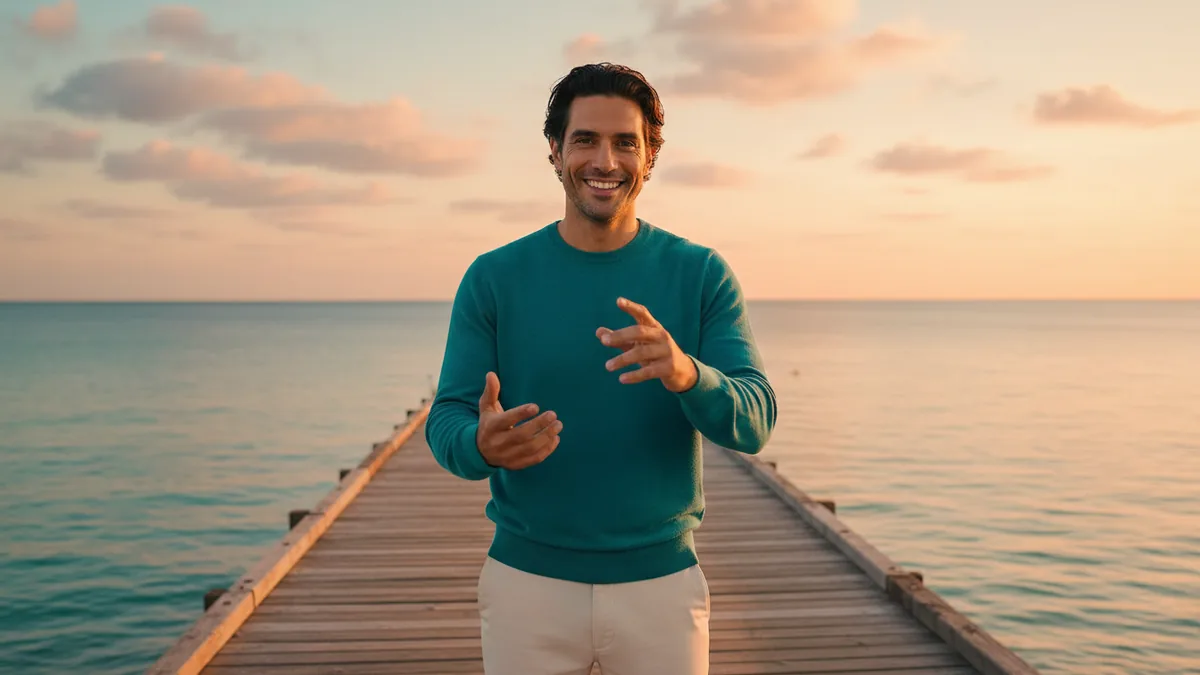
The illustrations help you choose an effect. They are concept art, while your result can vary with the prompt, source image, and model settings.
Prepare a coastal sunset pier frame from one or two permitted adult portrait references. This is a separate image-to-image helper: review its result, then manually upload it into the RainDance AI Video Generator when you are ready.
Fixed effect: Start with Nano Banana 2.1 as the default image-to-image model and one or two permitted adult portrait references to prepare a fully clothed coastal sunset pier frame. Other compatible image-to-image models may be available. The helper creates an image only; it does not automatically start a video or predict identity.
Bring one or two permitted adult portraits, review the prepared still image, and decide when to send it to the separate video step.
Use one or two clear portraits of adults you have permission to use. The helper creates a fully clothed coastal composition from those references.
Guide the sunset pier, golden light, clothing, pose, and framing. Generate the still, then inspect the faces, arrangement, and background.
After reviewing the image, open RainDance AI Video Generator and upload the prepared frame manually. The helper does not automatically start a second job.
The helper creates a coastal sunset pier image that can serve as the input to RainDance AI Video Generator. It is an interpretation of the references, so details can vary.
Nano Banana 2.1 is the default image-to-image model for one or two permitted adult portrait references. Other compatible image-to-image models remain selectable when available. The result is a creative frame, not a guaranteed likeness.
Use ordinary clothing and a respectful coastal scene for one or two adults. Requests remain subject to the site's moderation rules.
Download or otherwise keep the prepared image, then upload it into the video tool when you choose. There is no automatic two-step generation.
Choose the input count that matches the frame you want to prepare. Each uploaded portrait must be permitted for this use.
Check faces, clothing, the number of people, the pier, and the sunset light before using the frame in another workflow.
Upload one or two permitted adult portrait references. The helper uses those inputs to prepare a single fully clothed coastal sunset pier frame.
No. It creates a still image only. Review the result, then upload it manually into RainDance AI Video Generator as a separate step.
Use the generated image as the prepared input for the video workflow if it suits your project. Inspect the people, clothing, composition, and lighting before you continue.
The current exact credit cost for this image-to-image helper appears beside Generate before you submit. The later video job has its own separate current quote.