
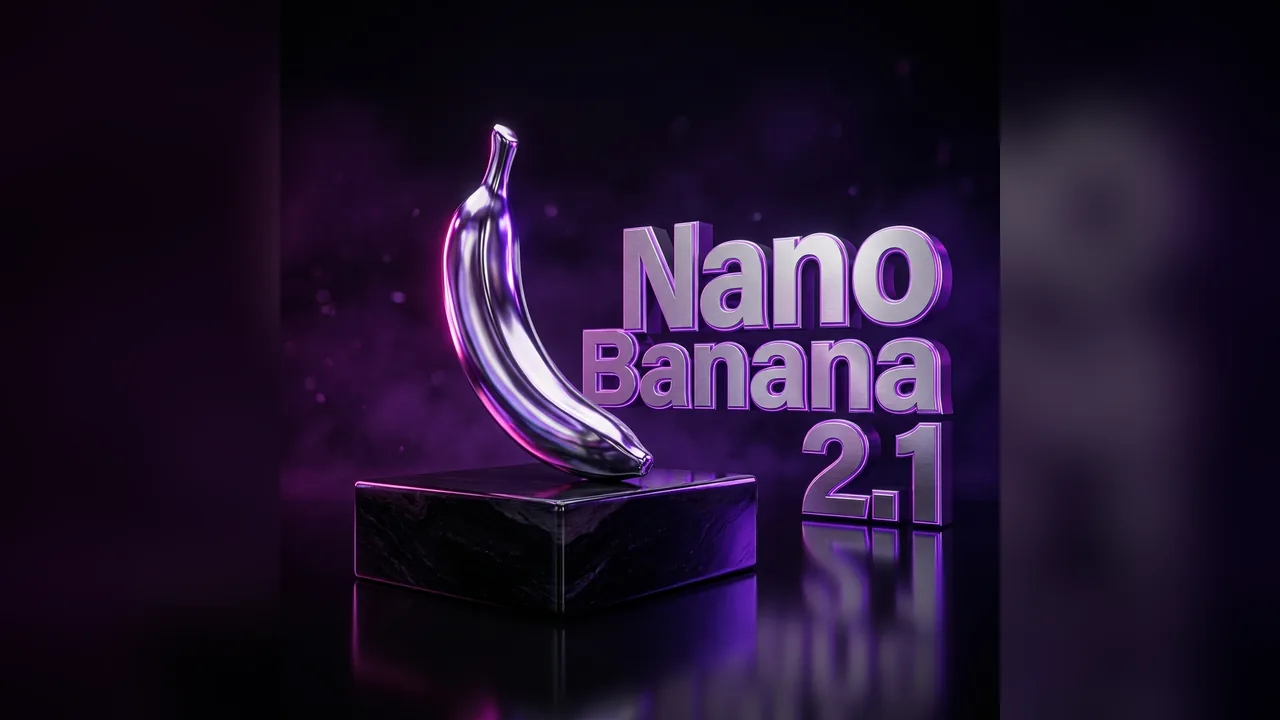
Nano Banana 2.1 Guide: What Changed and How to Use It in VidKiss
What Google's Nano Banana 2.1 image model is, what it can do, what it costs per image in VidKiss, and how to get a usable first result.
VVidKiss
Step-by-step workflows, prompt ideas, and the limits to check before you generate.
What Google's Nano Banana 2.1 image model is, what it can do, what it costs per image in VidKiss, and how to get a usable first result.

AI-generated concept
Use two permitted adult portrait references to make a fully clothed fictional baby concept, then review the image and its limits in VidKiss.

AI-generated concept
Write an original prompt for a fully clothed fictional adult woman or character, then refine the editorial details in VidKiss.

AI-generated concept
Give one image a focused background, style, color, or product edit, then review the full generative result before using it.
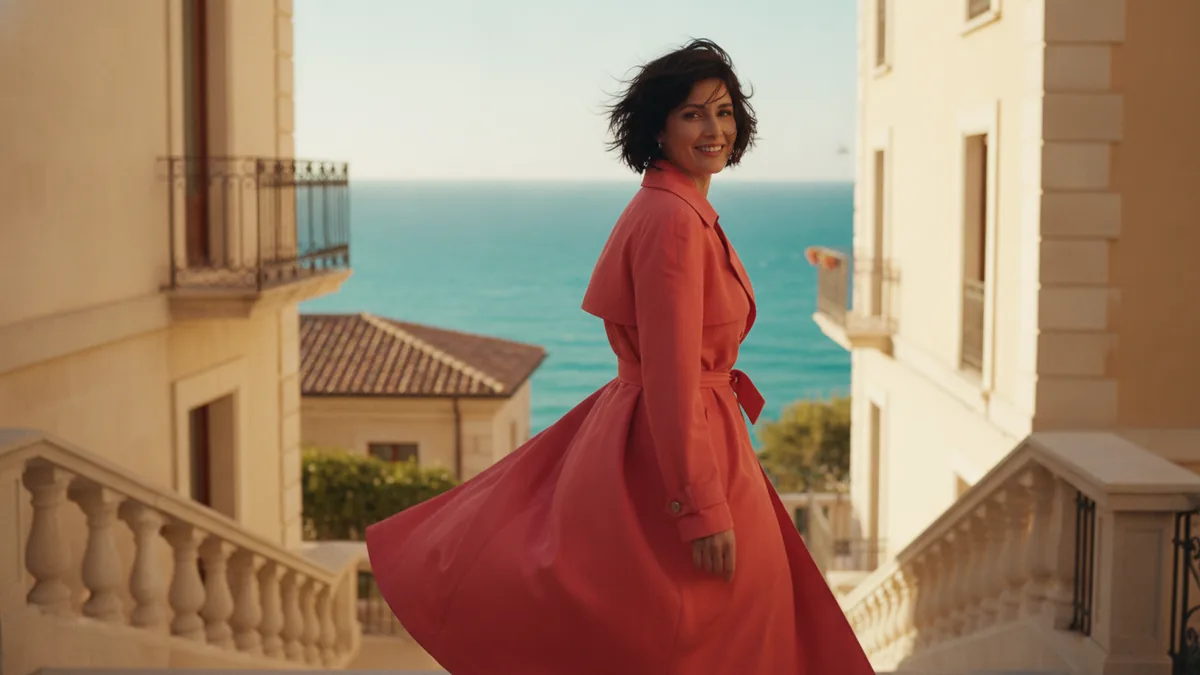
AI-generated concept
Understand Google Flow as a separate product, then compare its creative workspace with the Veo 3.1 option available in the VidKiss video workbench.
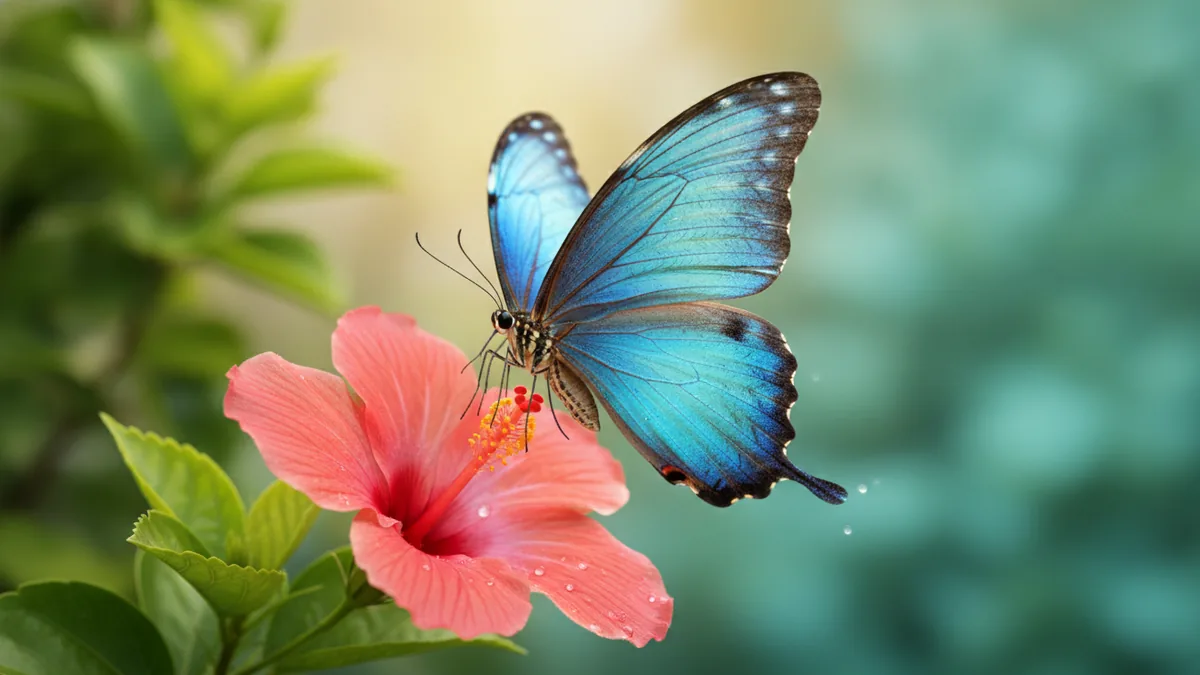
AI-generated concept
Build a clear Kling video prompt, choose the matching VidKiss input workflow, and review the exact quote and result before iterating.

AI-generated concept
Use a restrained image-to-image workflow to adjust light, color, noise, and clarity while checking the result for generative changes.
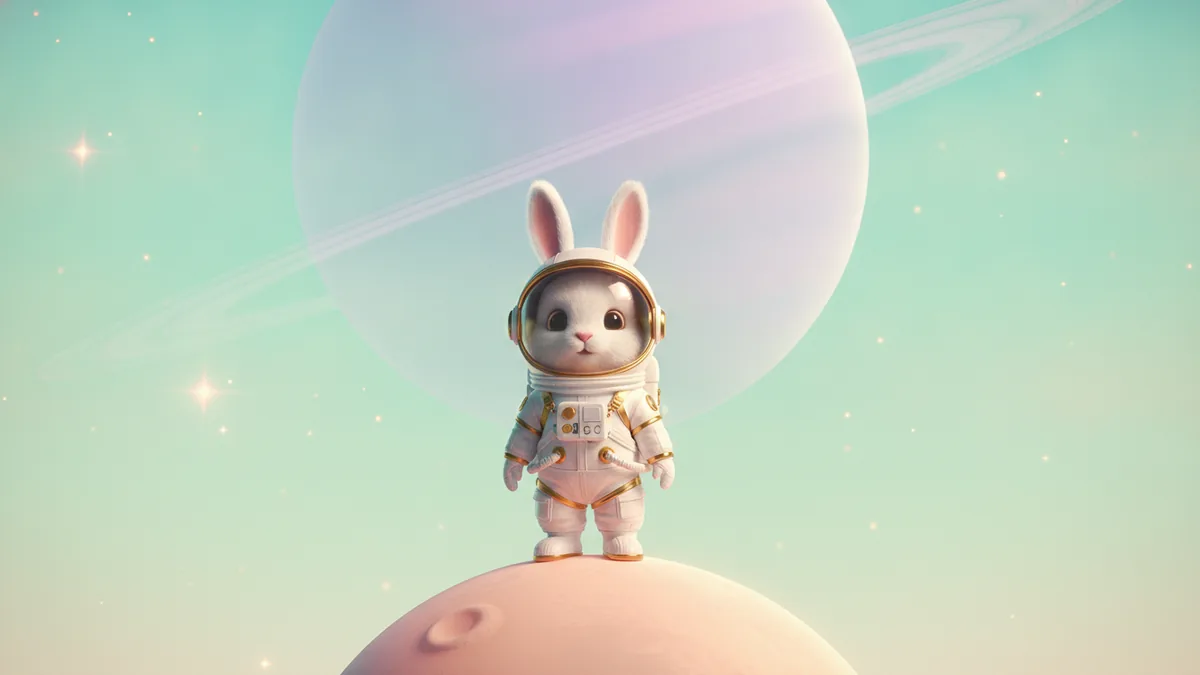
AI-generated concept
Use a structured prompt builder for image and video ideas, then choose the separate render workflow and review its live cost and moderation.
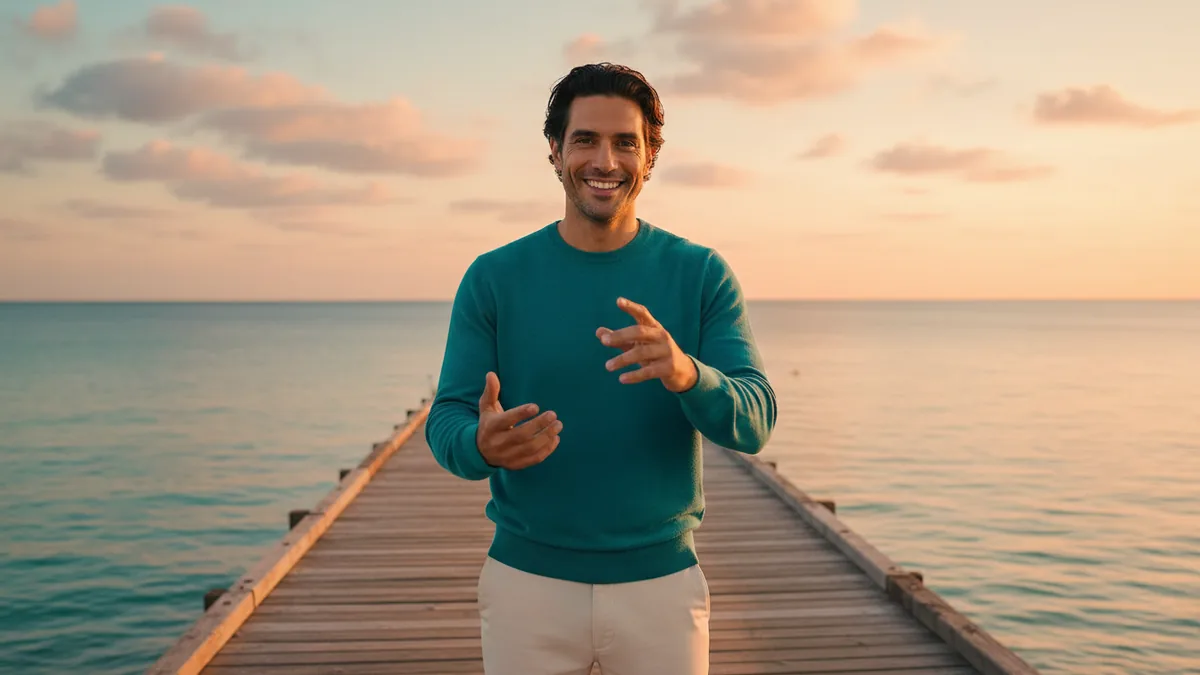
AI-generated concept
Prepare one sunset pier image, animate an original coastal visual performance with Kling 3.0 as the default, and review the model's audio output before sharing it in VidKiss.
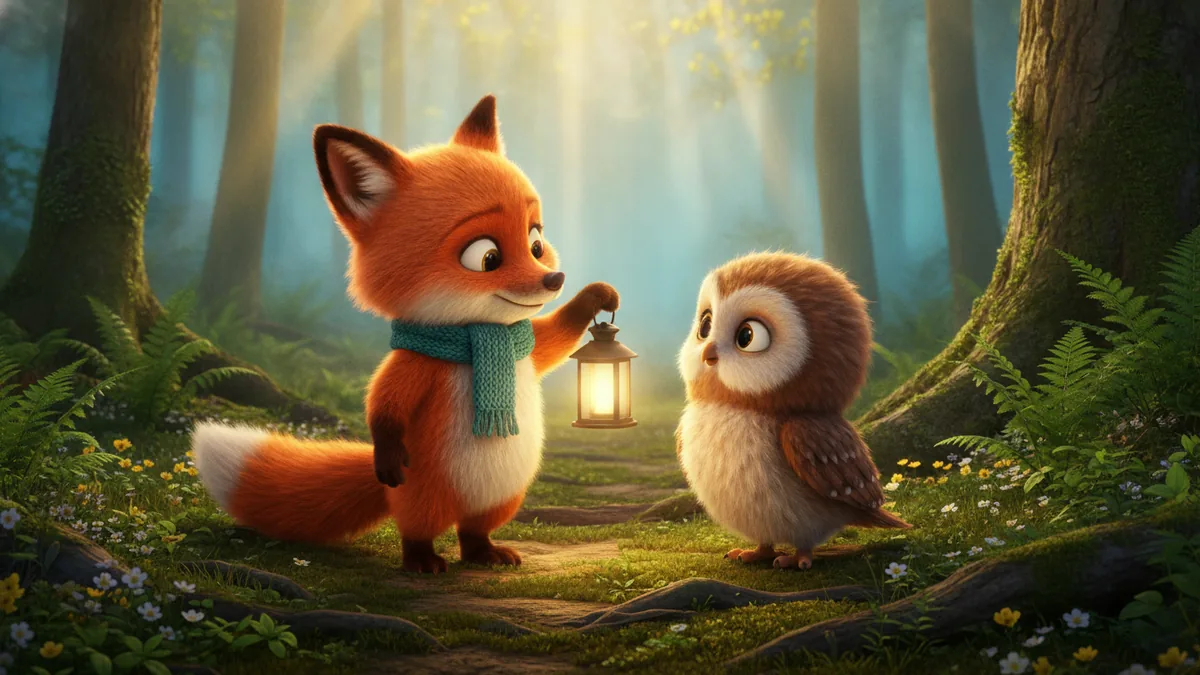
AI-generated concept
Build a one-scene animated story from a subject, action, setting, and ending beat, then review the result in VidKiss.
AI-generated concept
Prepare a combined duo frame from two portraits, then animate it as an original short performance with VidKiss.
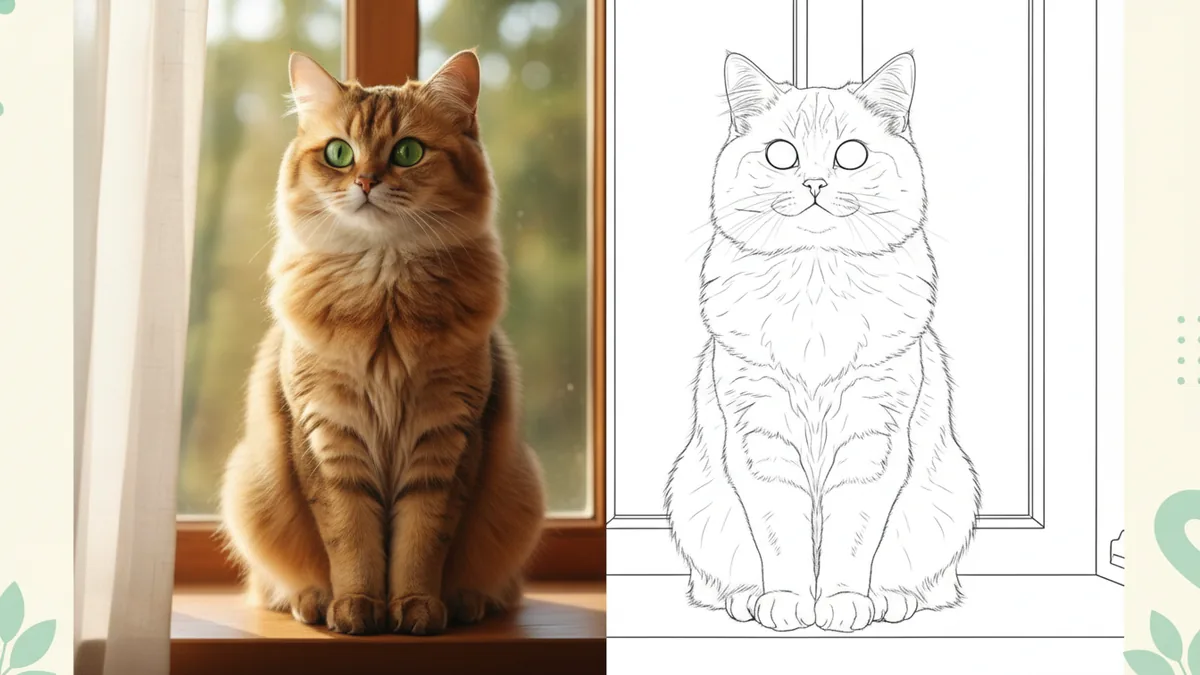
AI-generated concept
Choose a clear source photo, simplify the line art, and prepare your downloaded image for printing with VidKiss.
AI-generated concept
The difference between a prompt that returns something usable and one that wastes credits is not length. It is which four things you specify.