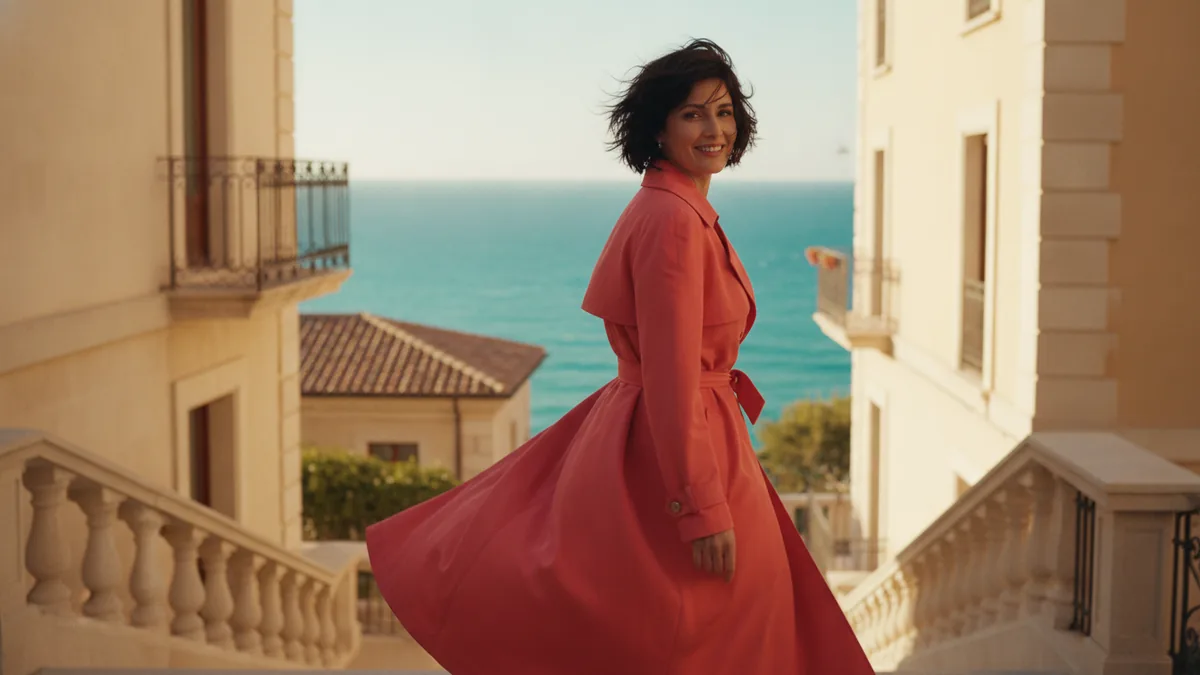
Google Flow is a separate Google creative product for exploring AI filmmaking. You can read about it at the official Google Flow page. VidKiss is a separate workbench that connects available image and video models behind its own prompt, input, credit, and review flow. A similar model name does not make the products the same workspace or imply an affiliation.
These suggested prompts are not examples of tested outputs; use them as editable starting directions.
1. Decide what you are trying to make
Flow may suit a project where you want to explore a broader filmmaking workspace and organize a set of ideas. In VidKiss, start with the output you need: text-to-video when the scene exists only in words, or Image to Video when a prepared still should anchor the first frame. A clear input mode keeps the first experiment easier to judge.
2. Treat capability details as live information
AI tools change their available models, controls, limits, and access rules. Check the official Flow page for Google's current product information. In VidKiss, check the model selector and controls actually shown in the workbench, then read the current credit quote beside Generate. A guide can explain a workflow, but the live interface is the source of truth for the request you are about to submit.
3. Use a compact shot direction
Write the subject, visible action, camera movement, light, and ending in a few concrete clauses. For example: “A paper boat crosses a shallow stream at dawn; the camera tracks at water level, reeds move in a light breeze, and the shot ends when the boat reaches a sunlit stone.” Then change one variable at a time. A long list of styles can hide which instruction changed the result.
4. Review before iterating
Check whether the action reads, the camera stays coherent, and the ending arrives within the selected duration. Generated text inside signs and labels is often unreliable, and a long speaking performance can lose facial or lip consistency. If framing matters, make a still first and animate it. Read the AI video prompt guide for a prompt structure that works across tools.
Use Text to Video for a VidKiss prompt-led experiment, or browse Use Cases for a more focused starting point. Compare the live controls and quote for each request instead of assuming Flow's product behavior, access, or pricing applies inside VidKiss.