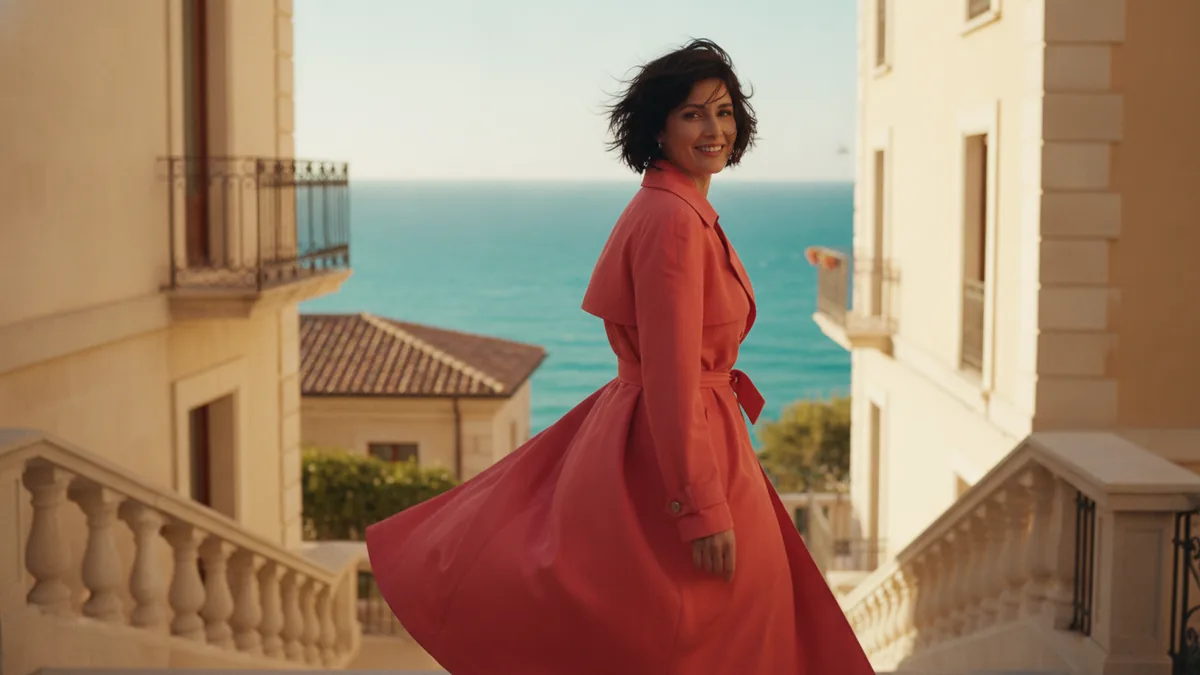
Most first attempts at AI video come back technically fine and completely wrong. The motion is smooth, the lighting is plausible, and it is not the shot you had in mind. That gap is almost never a model limitation. It is that the prompt described a subject when the model needed a shot.
A prompt is a shot list, not a search query
The model is not retrieving a video that matches your words. It is composing one. So the words that carry weight are the ones a director or a cinematographer would say on set — not the ones you would type into a stock footage site.
Compare:
a woman walking through a city
a woman walking away from camera through a rain-slick city street at night, neon signs reflecting in puddles, handheld camera following at shoulder height, shallow depth of field
The second one is not better because it is longer. It is better because it answers four questions the first one left to chance.
The four things worth specifying
Subject and what it does. Not just "a woman" but what she is doing and in which direction relative to camera. "Walking away from camera" and "walking toward camera" produce entirely different shots from the same subject.
Camera. Static, handheld, dolly, crane, drone. Eye level, low angle, overhead. This is the single highest-leverage word group in the whole prompt, and the one most people omit — leaving it out means the model picks, and it usually picks a slow push-in because that is what dominates its training data.
Light and time. Golden hour, overcast, harsh midday, neon at night, single practical light. Light is what makes a generated frame read as photographed rather than rendered.
Lens feel. Shallow depth of field, wide angle, telephoto compression, anamorphic. One term is enough. This is what separates "video" from "footage".
Four short clauses give you a clearer direction to test than a long list of adjectives. Results still vary with the model and settings.
Iterate on the cheap tier
The first generation from any prompt is a probe, not a deliverable. You are finding out how the model read your words — whether "dramatic" meant contrast or meant slow motion, whether "street" meant alley or boulevard.
Doing that at full quality is the most common way to burn a credit balance. If your chosen model offers a lower-cost setting, try a short draft before committing to a higher-cost version. Review the credit quote for each attempt; price and the available controls differ by model, and a different setting can also change the result.
Start from an image when framing matters
If you know what the first frame should look like, generate it as a still first, then animate from it. Image-to-video removes the least reliable part of text-to-video — asking the model to invent a composition from a sentence — and leaves it with only motion to handle.
This is the difference between hoping for a shot and directing one.
What no prompt will fix
Available clip lengths differ by model. Check the duration selector rather than assuming one limit applies to every model. Longer sequences may require several clips and editing outside the generator.
A recognisable person speaking at length still falls apart, regardless of how the prompt is written. Lip sync drifts, and the face rebuilds itself subtly across a long take.
Text inside the frame — signage, labels, UI — comes out garbled more often than not, because the model draws letter shapes rather than spelling words. Generate the plate clean and add type afterwards.
Review these details before publishing instead of assuming a prompt can guarantee them. Browse the tool directory for the right input mode, try the animated story workflow, or start from an attributed reference in the prompt library.