
VIDKISS TOOLS
Find the right AI image or video tool
Start with the task you have in mind. Compare the source material each tool needs and the kind of image or video you can create.
Core tools
Image tools
Video tools
Specialized workflows
Image tools
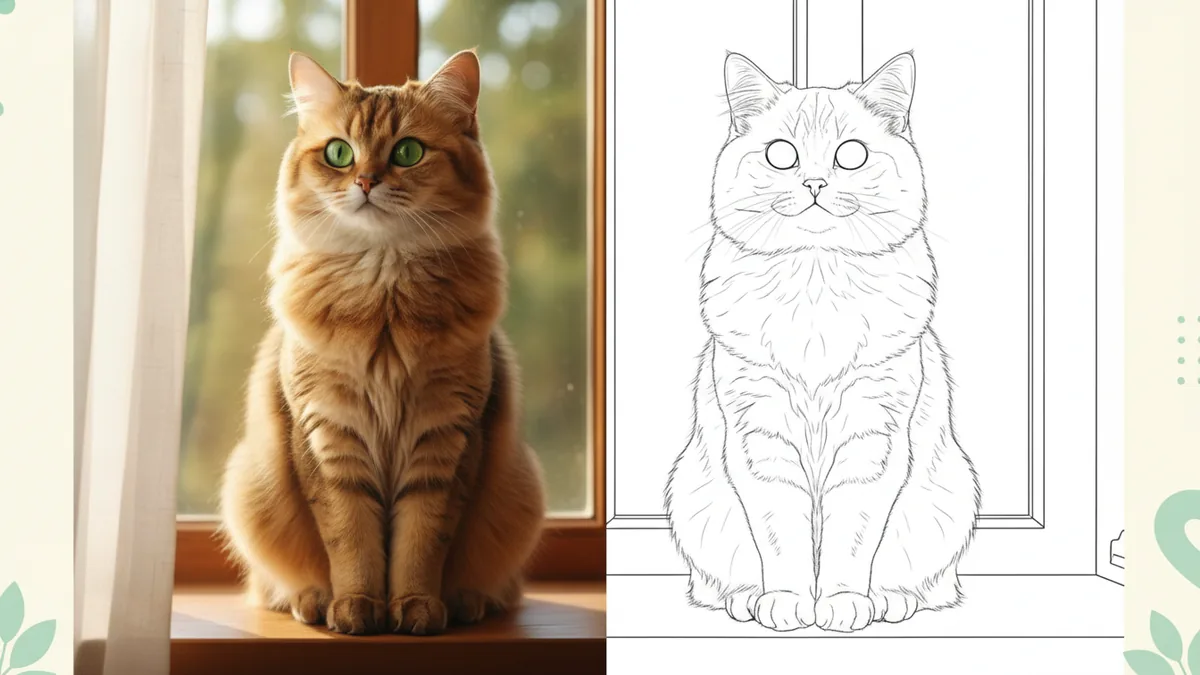
Photo to Coloring Page
Turn a photo into clear line art for a personal coloring activity.
- Input
- One photo
- Result
- Line-art image

AI Headshot Generator
Create a professional-style profile image from an adult portrait.
- Input
- Adult portrait
- Result
- Headshot-style image
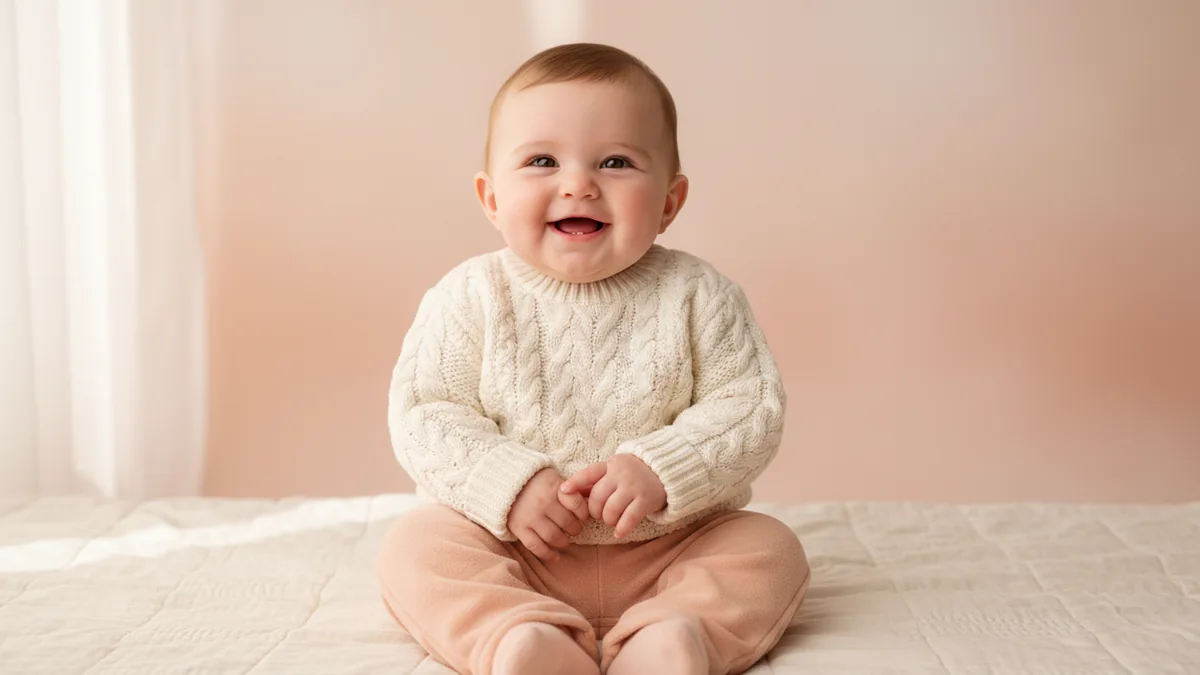
AI Baby Generator
Create a fully clothed imagined baby concept from exactly two permitted adult portrait references.
- Input
- Two adult portraits
- Result
- Baby concept image
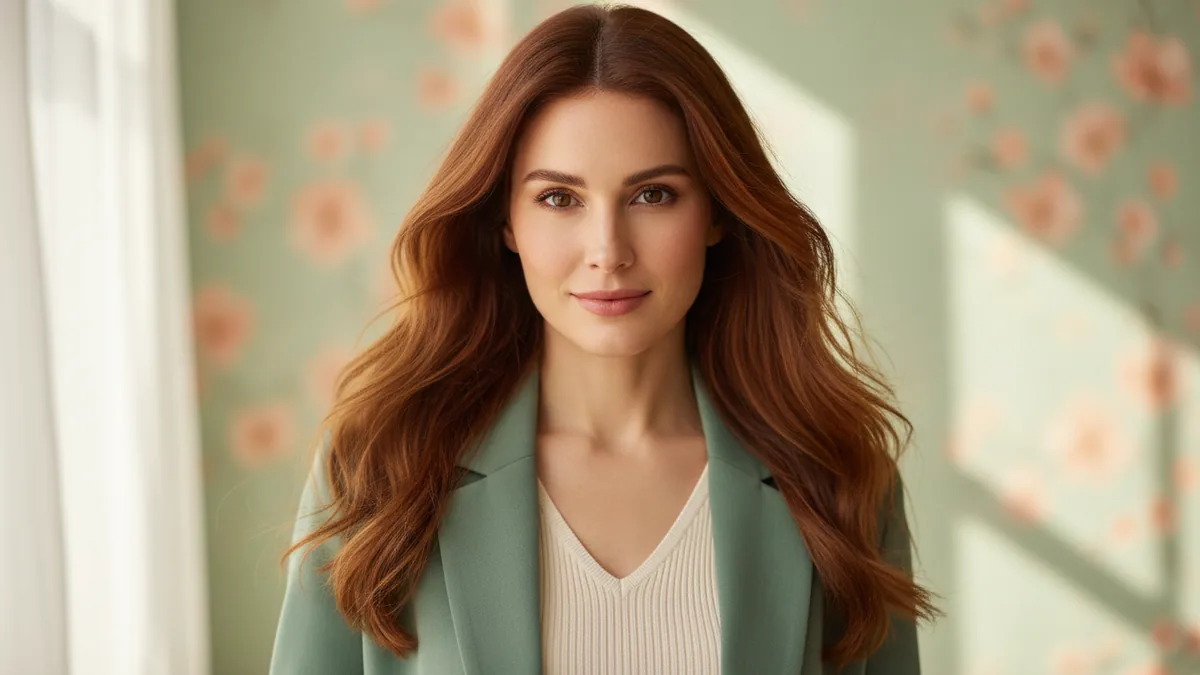
AI Girl Generator
Create a fully clothed fictional adult woman or character from an original text prompt.
- Input
- Text prompt
- Result
- Character image
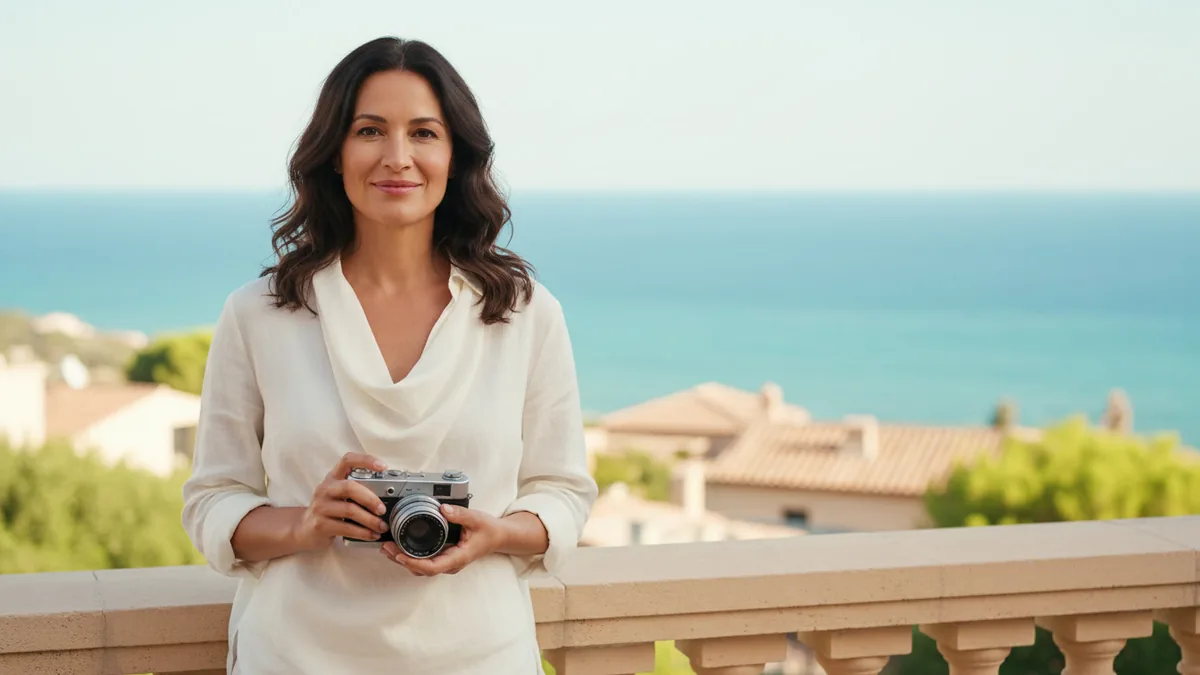
AI Photo Enhancer
Refine one photo with a restrained direction for light, color, noise, and clarity.
- Input
- One photo
- Result
- Edited photo

AI Photo Editor
Give one image a focused background, style, color, or product-image edit.
- Input
- One image
- Result
- Edited image
Video tools
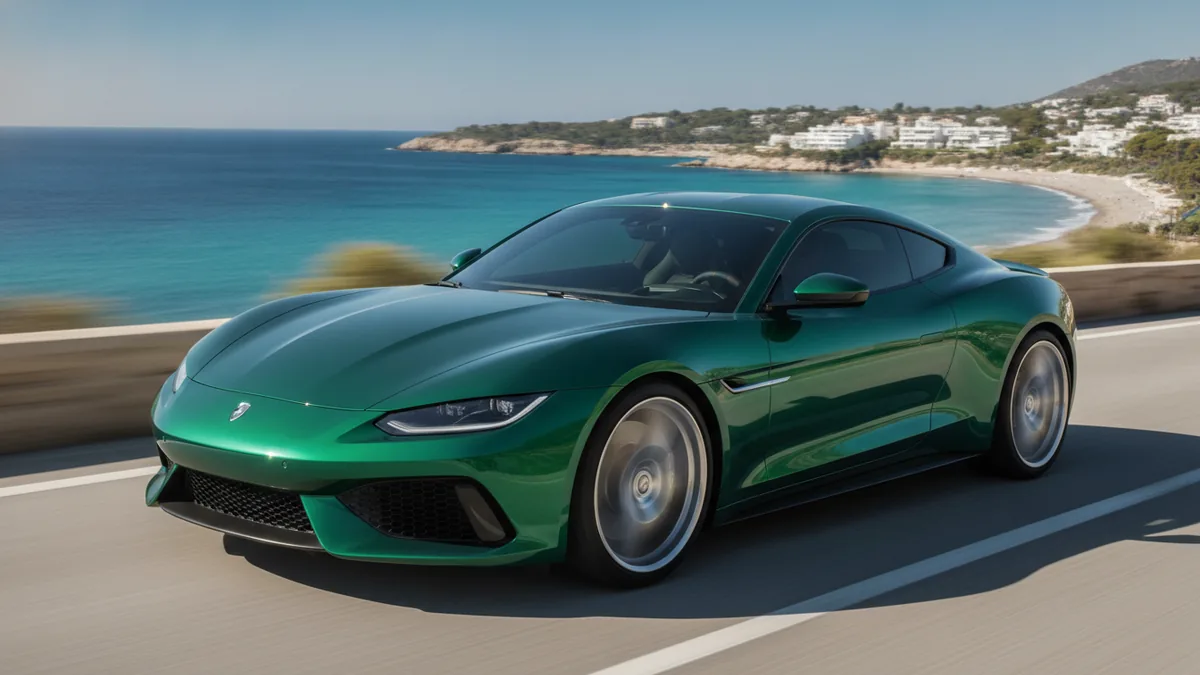
AI Car Driving Video
Create a short driving video from a car photo and your scene directions.
- Input
- Car photo
- Result
- Driving video
Hotel Lobby AI Video
Create a short original duo performance with generated audio from one prepared combined image.
- Input
- Prepared duo image
- Result
- Performance video
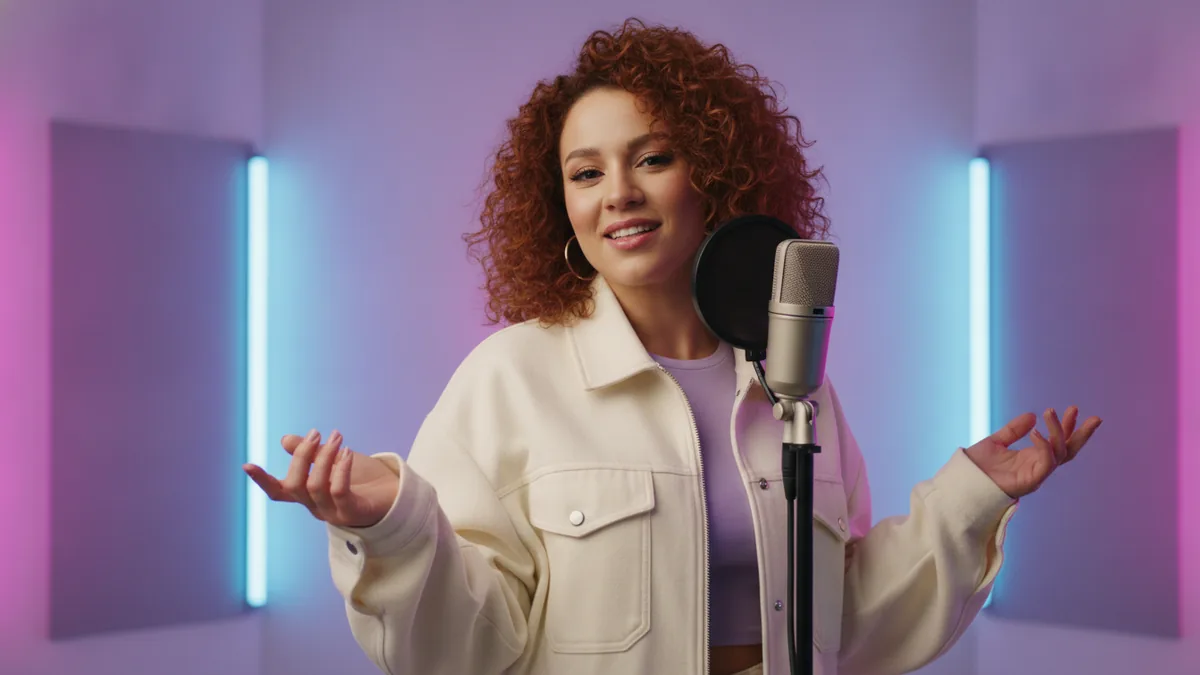
AI Rap Video Generator
Create a short original rap performance with directions for the generated audio.
- Input
- Text prompt
- Result
- Rap video
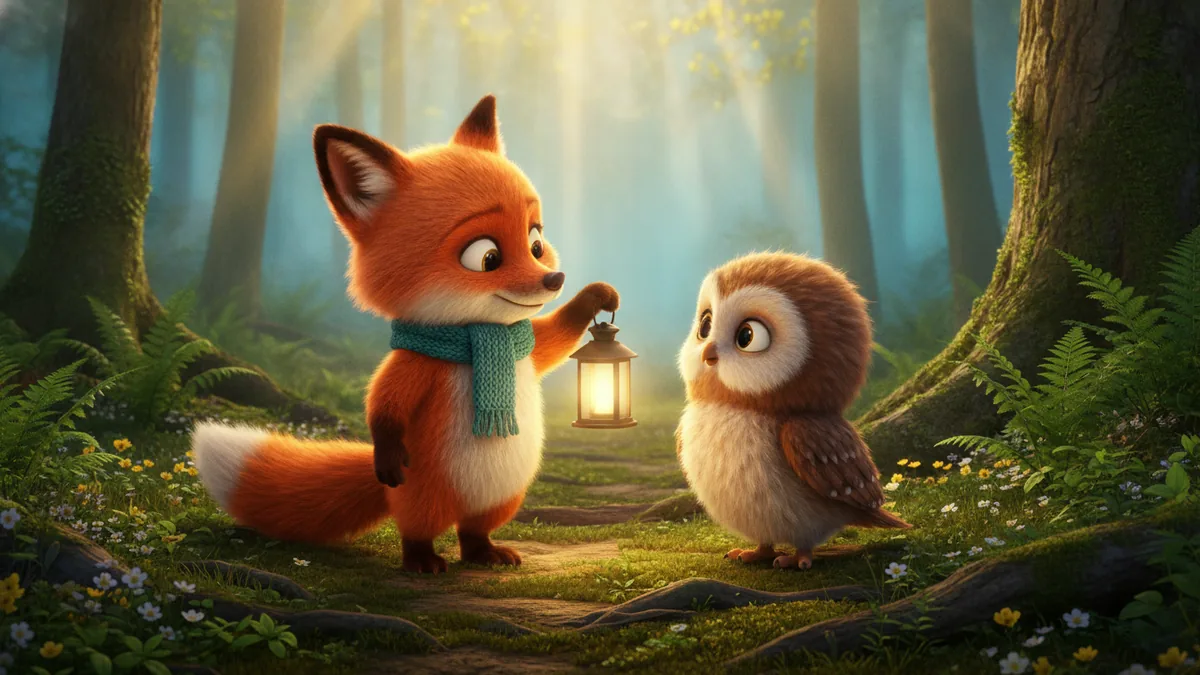
AI Animated Story Generator
Turn one concise story beat into a short animated clip.
- Input
- Text prompt
- Result
- Animated clip

RainDance AI Video Generator
Animate one prepared sunset pier image into an original silent coastal visual performance.
- Input
- Prepared sunset pier image
- Result
- Silent performance video
Prompt and planning tools
Card illustrations are concept art for navigation. They are not promised outputs; the result can vary with your source image, prompt, model, and settings.