Choose your clip length
Choose a supported clip length in the generator. The selected duration and exact credit cost appear before you submit.
Model
Describe one animated scene, the action, the ending, and optionally the audio mood; keep recurring characters consistent
122/1750
≈ 290 credits
The exact cost is confirmed after you sign in.
Sign in to see your credit balance and generate a video.
The estimate is for the model, length and settings you have selected.
Sign in to see the exact credit cost before generating.
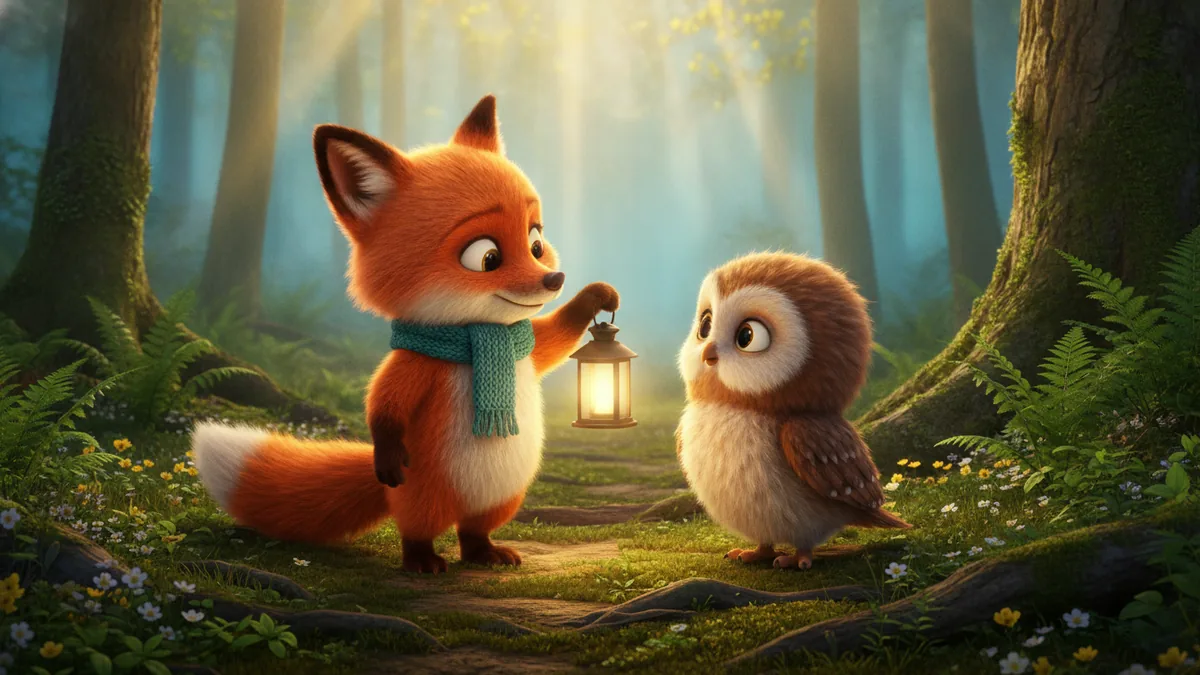
The illustrations help you choose an effect. They are concept art, while your result can vary with the prompt, source image, and model settings.
Create a one-scene animated short from your idea. Kling 3.0 is the default text-to-video model; choose the available model, length, framing and audio settings, then preview it for TikTok, Reels or another social post.
What this creates: The template starts with Kling 3.0 text-to-video for one short animated scene with an action and an ending. Other compatible text-to-video models remain selectable when available. Audio is optional when the selected model supports it, and the result is ready for you to review as a social clip.
Describe one action and ending, choose a supported duration, and review the exact credit cost before generating.
Name the characters, setting, action, and ending in one short narrative. For example, a fox lends a glowing lantern to a lost baby owl, and the owl finds the path home.
Choose a supported clip length in the generator. For TikTok or Reels, choose a vertical 9:16 frame. When the selected model offers an audio control, turn it off for a silent clip or leave it on for generated sound.
Check the current exact credit cost beside Generate, submit the selected text-to-video job, and preview the clip.
The template is made for a short social clip with an action and a simple ending. It is not a full story editor or an automatic publishing tool.
Kling 3.0 is the default for rendering the scene from your text prompt. Other compatible text-to-video models remain selectable when available, and audio controls follow the selected model.
You can request generated audio or keep the clip without it. The exact sound, timing, character details, and motion can vary from the prompt.
A clear prompt helps keep fictional characters consistent, but their appearance, actions, and continuity can still change. Review the finished clip before publishing.
Choose a supported clip length in the generator. The selected duration and exact credit cost appear before you submit.
Use the finished short as a social clip after review. The workflow does not edit a full multi-scene story or post automatically.
Describe one scene with a clear action and ending. A useful example is: a fox lends a glowing lantern to a lost baby owl, and the owl finds the path home. Both are fictional animals in the prompt.
Kling 3.0 is the default text-to-video model for creating a short animated scene from your prompt. Other compatible text-to-video models can appear in the selector when available.
Yes. Select one of the available durations in the generator. You can review the selected length and exact credit cost before submitting.
Audio is optional when the selected model supports it. If enabled, the model may generate sound for the short scene; the exact audio and timing can vary.
No. It creates one short scene with an action and ending. It is not a full multi-scene editor and does not post to TikTok, Reels, or another platform automatically.
The current exact credit cost for the selected duration and settings appears beside Generate before you submit. Use that live quote rather than a static number.