Choose your clip length
Choose a supported clip length in the generator. The selected duration and exact credit cost appear before you submit.
Model
Describe one adult performer, an original rap theme or beat, a performance action, and optionally a short lyric you wrote
151/1715
≈ 290 credits
The exact cost is confirmed after you sign in.
Sign in to see your credit balance and generate a video.
The estimate is for the model, length and settings you have selected.
Sign in to see the exact credit cost before generating.
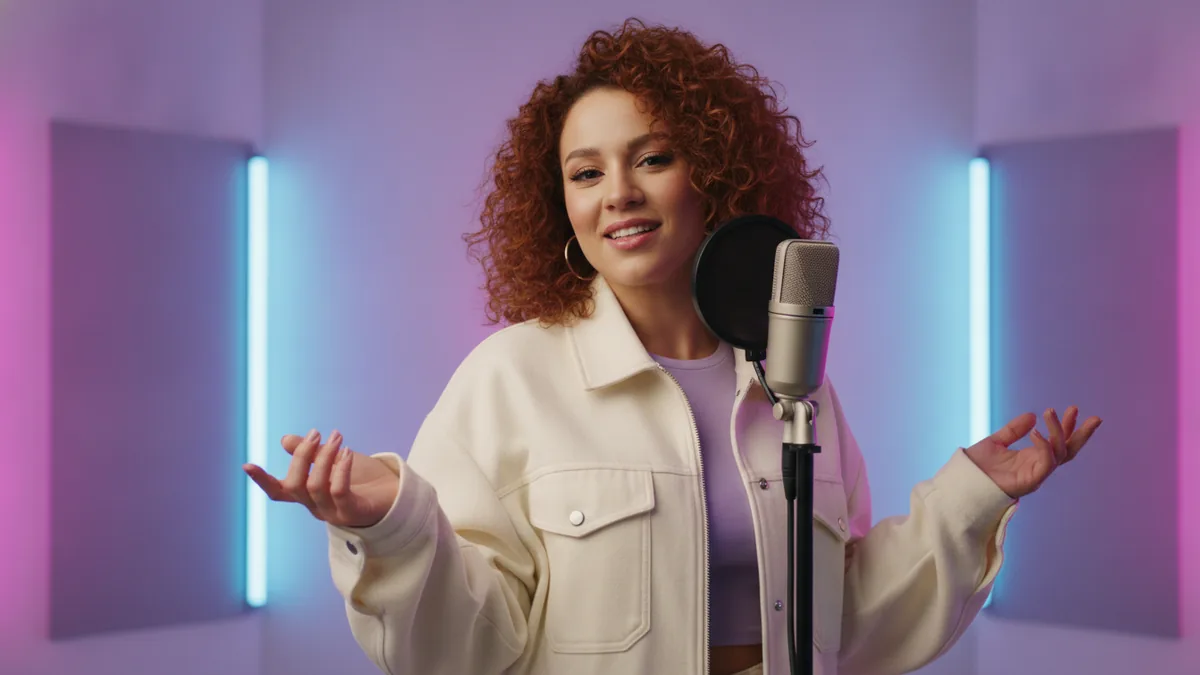
The illustrations help you choose an effect. They are concept art, while your result can vary with the prompt, source image, and model settings.
Describe an adult performer, an original song theme or beat, and a short performance idea to make a compact rap clip. Kling 3.0 is the default text-to-video model, and the workflow requires model-generated audio.
What this creates: The template starts with Kling 3.0 text-to-video and requires model-generated audio. Other compatible text-to-video models with audio remain selectable when available. It is for a short original rap performance with an optional short lyric you wrote; it does not copy an artist, song, music recording, or voice.
Describe one scene, choose a supported duration, and check the exact credit cost before creating the clip.
Write about an adult performer, an original song theme or beat, the action, and the setting. A short lyric you wrote is optional; do not request copied lyrics, music, or a voice.
Choose a supported clip length in the generator. The selected duration and exact credit cost appear before you submit.
Check the current exact credit cost beside Generate, submit the selected text-to-video job with its required audio, and preview the result.
The template is designed for a compact social clip with generated audio. It does not make a full song or promise exact delivery of every word, beat, or mouth movement.
Kling 3.0 is the default text-to-video model. The template accepts compatible audio-capable text-to-video models when available; model-generated audio is required and there is no audio-upload workflow.
Describe an original theme, beat, performer, and optional short lyric you wrote. Do not ask for a copied artist, song, lyrics, music recording, or cloned voice.
Text and generated media go through the current content checks. They help enforce the service rules but cannot guarantee that every borderline case is handled perfectly.
Choose a supported clip length in the generator. The selected duration and exact credit cost appear before you submit.
Exact lyrics, pronunciation, rhythm, expressions, and lip-sync timing may differ from the prompt. Review the clip before publishing.
Kling 3.0 is the default text-to-video model for this short original rap performance. Other compatible audio-capable text-to-video models can appear in the selector when available, and model-generated audio is required.
Yes. Select one of the available durations in the generator. You can review the selected length and exact credit cost before submitting.
No. Use an original song theme or beat and, if you want, a short lyric you wrote. This workflow makes a short clip; it does not accept uploaded music, create a full song, or include a voice clone.
Not necessarily. Words, pronunciation, rhythm, expressions, and lip-sync timing can vary in generated audio and video.
The current exact credit cost for the chosen duration and settings appears beside Generate before you submit. Pricing can change with the live model settings, so use that quote as the source of truth.
No filter can guarantee every edge case. Current text and media moderation applies, and requests or results can be blocked under the service rules.