AI Photo Enhancer

Model

Reference Image(0/1)

Static JPEG, PNG or WebP · one image · ≤5 MiB

Balanced exposure; gentle color correction; retain subject and composition; natural texture

91 / 19642

Aspect ratio

Resolution

Format

≈ 12 credits
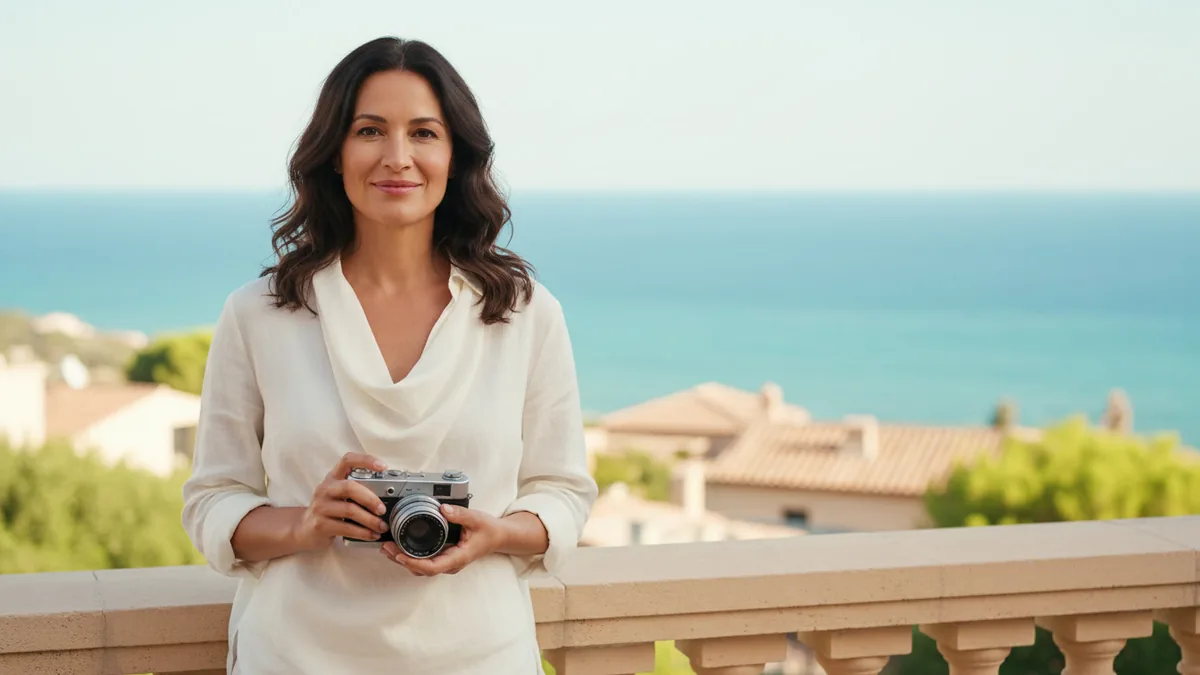
Adult traveler holding a silver camera on a sunlit terrace above a turquoise sea
AI-generated concept

The illustrations help you choose an effect. They are concept art, while your result can vary with the prompt, source image, and model settings.

HomeMy

About this effect

Improve one photo with a restrained generative edit for everyday work, portfolios, listings, and personal projects. Upload an image you can use and review the result before sharing.

Fixed effect: Start with balanced exposure; gentle color correction; retain subject and composition; natural texture. Nano Banana 2.1 is the default model for this generative image-to-image edit, and compatible image-to-image models may be available in the selector.

HOW IT WORKS

Improve One Photo with a Restrained Edit

Bring one permitted image, keep the direction focused, and review the current cost before you generate.

  1. 01

    1. Upload one image

    Use one clear photo that you have permission to edit. A useful subject and visible composition give the enhancement a better starting point.

  2. 02

    2. Keep or edit the details

    Start with balanced exposure, gentle color correction, retained composition, and natural texture. Adjust the wording when your photo needs a different direction.

  3. 03

    3. Review the cost and generate

    Confirm the exact current credit quote beside Generate, submit the image-to-image job with the selected model, and inspect the result before downloading or sharing it.

WHAT TO EXPECT

A More Balanced Photo with Generative Variation

The fixed direction focuses on lighting, color, noise, and clarity while asking the model to respect the subject and composition. The result may still change visible details.

The edit is generative

The workflow can make a photo feel cleaner or more balanced, but it does not promise pixel-perfect restoration, a dedicated upscale, or recovery of detail that was never captured.

One image guides the result

The uploaded photo is the only reference. Subject appearance, small textures, edges, and color relationships may vary in the generated image.

The composition is a preference

The instruction asks the model to retain the subject and composition, but review the crop, background, texture, and recognizable details before using the result.

Start with Nano Banana 2.1

Nano Banana 2.1 is the default image-to-image model for this one-image edit. Other compatible image-to-image models remain selectable when available; the model and direction do not guarantee an exact identity or unchanged pixels.

Check the result before sharing

Look at the subject, edges, fine texture, colors, and composition. Treat the generated image as an edited creative result and make another version if the changes are too strong.

AI Photo Enhancer Questions

How many images do I upload?

Upload exactly one image for this workflow. Use a photo you have permission to edit and share.

Will it restore every lost detail or preserve identity exactly?

No. This is a generative enhancement, not a promise of pixel-perfect recovery, dedicated resolution upscaling, or exact identity preservation. Review the result because details may change.

Are content and NSFW checks applied?

Yes. The uploaded image and generated result remain subject to the site's current content checks and user policy. NSFW requests or results can be blocked under the service rules.

How much does a generation cost?

The current exact credit quote for the selected model and workflow appears beside Generate before you submit. See Pricing for current options and the Refund Policy for applicable rules.

Ready to Refine a Photo?

Open the workbench with one permitted image, keep the direction natural, and review the generated result before you use it.