Google Nano Banana Edit is the default
The template starts with Google Nano Banana Edit and one upload. Other image-to-image models remain selectable when available.
Model
Static JPEG, PNG or WebP · one image · ≤5 MiB
Optional details that work well: gray backdrop, navy blazer, soft window light, centered crop, or a relaxed expression.
Aspect ratio
Format
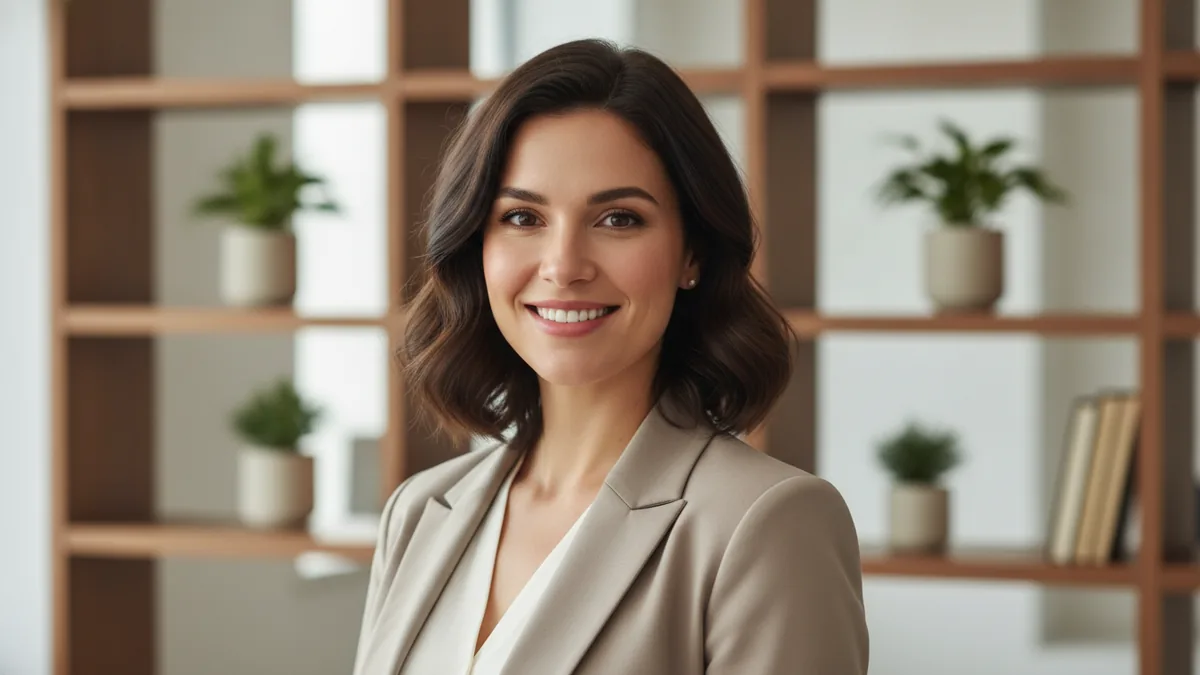
The illustrations help you choose an effect. They are concept art, while your result can vary with the prompt, source image, and model settings.
Use the AI headshot generator to turn an adult portrait you have permission to use into a professional photo for your profile or portfolio.
Core effect: We apply a professional headshot brief alongside your optional details, with balanced lighting, a clean background, and a portrait-ready crop while guiding the subject's likeness.
Bring one permitted adult portrait, add a few details, and preview the result after checking the cost.
Use a clear portrait of an adult you have permission to use. A forward-facing image with even light gives the transformation a stronger starting point.
Add details such as a gray backdrop, navy blazer, soft light, or a centered crop. Edit the guidance whenever you want to try another version.
Confirm the exact credit cost beside Generate, create the professional headshot, and preview the result. Download access follows your plan or purchase.
The template brings the professional portrait treatment alongside your details, while likeness remains a guide rather than a guarantee.
The upload helps the model follow the person's appearance, but facial details, hair, clothing, and expression may vary in the generated image.
This workflow creates a professional headshot for profiles, portfolios, and similar uses. It is not an official identity document or an official ID photo.
Backdrop, wardrobe, lighting, and crop details can guide the composition, and you can edit them for another version.
The template starts with Google Nano Banana Edit and one upload. Other image-to-image models remain selectable when available.
Check the face, clothing, crop, and background in the result before using it in a profile, portfolio, or campaign.
Upload an adult portrait only when you have permission to use the image and create the result. The person should know how the generated headshot may be used.
The portrait guides the likeness, but an exact match is not guaranteed. Review facial features, hair, clothing, and expression before sharing the result.
No. This is a headshot-style creative result and is not an official identity document or official ID photo.
The exact credit cost for the selected model and settings appears beside Generate before you submit. See Pricing for current options and the Refund policy for applicable rules.