Veo 3.1 is the default video model
The template starts with Veo 3.1 and one car photo. Other image-to-video models remain selectable when available.
Model
Optional details that work well: daylight, low tracking shot, clean road, gentle acceleration, or a wide hero angle.
48/1763
≈ 120 credits
The exact cost is confirmed after you sign in.
Sign in to see your credit balance and generate a video.
The estimate is for the model, length and settings you have selected.
Sign in to see the exact credit cost before generating.
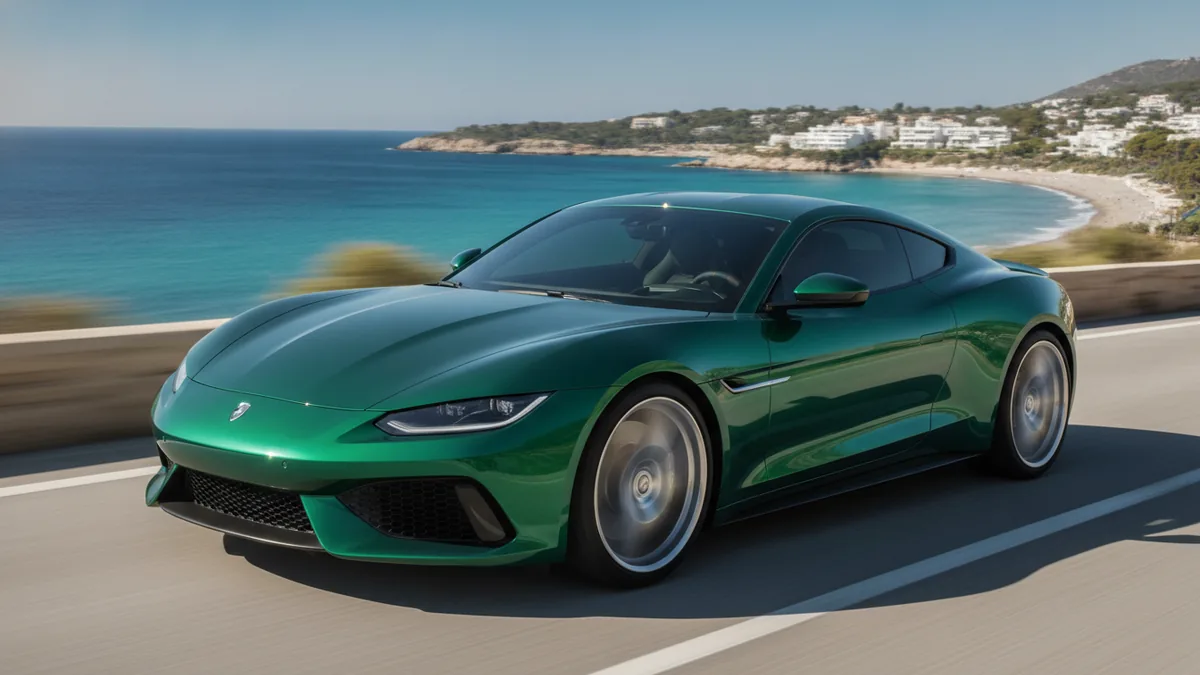
The illustrations help you choose an effect. They are concept art, while your result can vary with the prompt, source image, and model settings.
Upload one car photo and create a short AI driving video for a campaign, product reveal, or social clip. Add details to guide the motion.
Core effect: We apply a cinematic driving-scene brief alongside your optional details, with forward movement, road motion, and camera tracking for a promotional video or social clip.
Give the template one clear vehicle image, add a few motion details, and preview the result after checking the cost.
Use a clear side, front, or three-quarter photo of one car you have the right to use. A visible vehicle silhouette and an uncluttered frame help the animation.
Guide the look with details such as daylight, a low tracking shot, a clean road, or gentle acceleration. Edit them for the next version whenever you want.
Check the exact credit cost beside Generate, create the video, and preview the result. Download access follows your plan or purchase.
The template brings a driving scene alongside your details for creative presentation, with natural variation from one version to the next.
This workflow creates a promotional driving video or social clip from one car photo. It is not real dashcam footage or a recording of driving.
Wheels, badges, body shape, reflections, and small road details may change during the animation. Review the clip before publishing it.
Daylight, camera height, tracking direction, and acceleration can influence the presentation, and you can edit them for another version.
The template starts with Veo 3.1 and one car photo. Other image-to-video models remain selectable when available.
A single visible vehicle against a simple background gives the animation more room to establish movement and camera direction.
Use one clear photo of one car that you have the right to use. Side, front, and three-quarter views with a visible silhouette are good starting points.
No. It is an AI animation made from one car photo for a promotional driving video or social clip, not real dashcam footage or a recorded drive.
They can vary during generation. Check the finished clip for changes to wheels, badges, proportions, reflections, and other vehicle details before publishing.
The exact credit cost for the selected model and settings appears beside Generate before you submit. See Pricing for current options and the Refund policy for applicable rules.