

AI Video MakerCreate Videos from Text or a Photo
One prompt or one reference image. Pick a video model and get back a clip of 3 to 30 seconds.
Reference image
ReferenceUp to 2
AI enhancement
0 / 2,000
Start with an effect
Choose a template, describe a scene or upload an image, and tailor the details before generating.
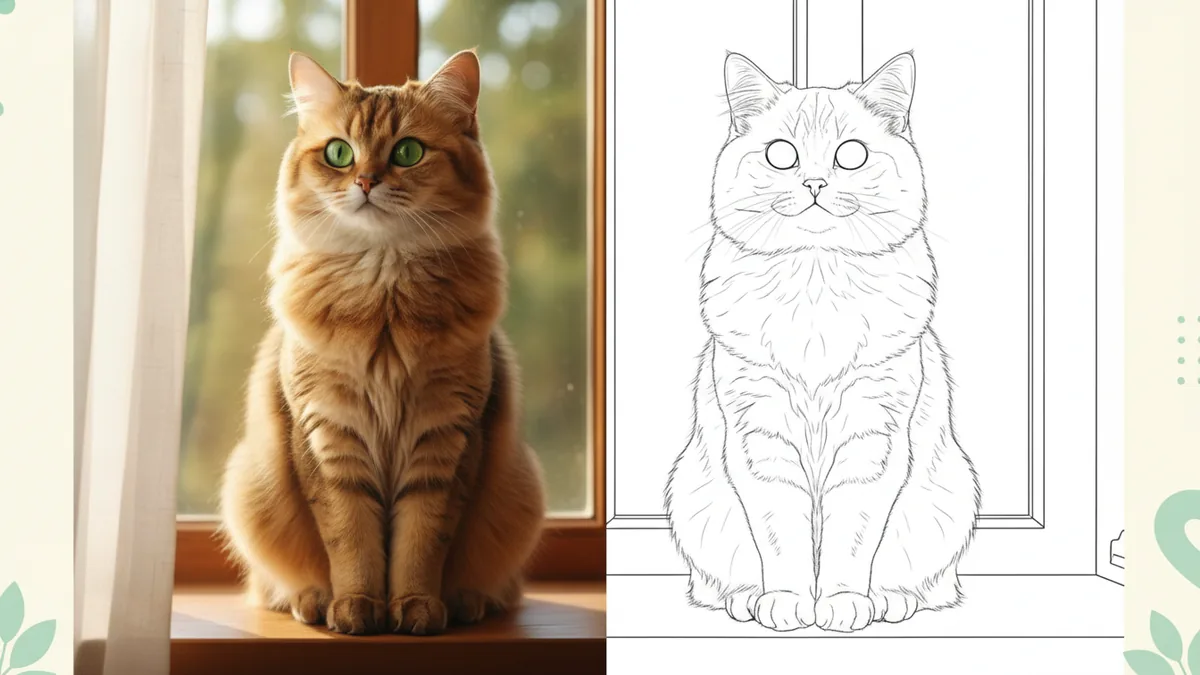
Photo to Coloring Page
Turn your photo into black-and-white line art for coloring.

AI Headshot Generator
Create a professional portrait from your own photo.
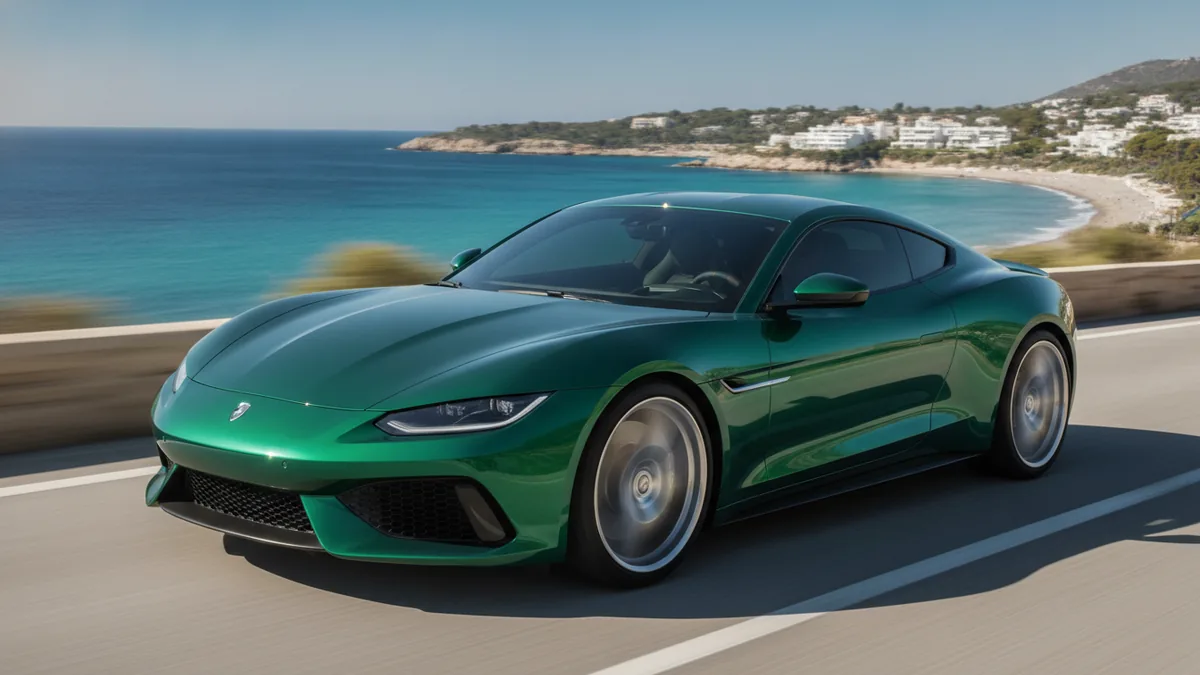
AI Car Driving Video
Animate a car photo with a controlled driving shot.
Hotel Lobby AI Video
Create an original duo performance from one combined image with generated audio.
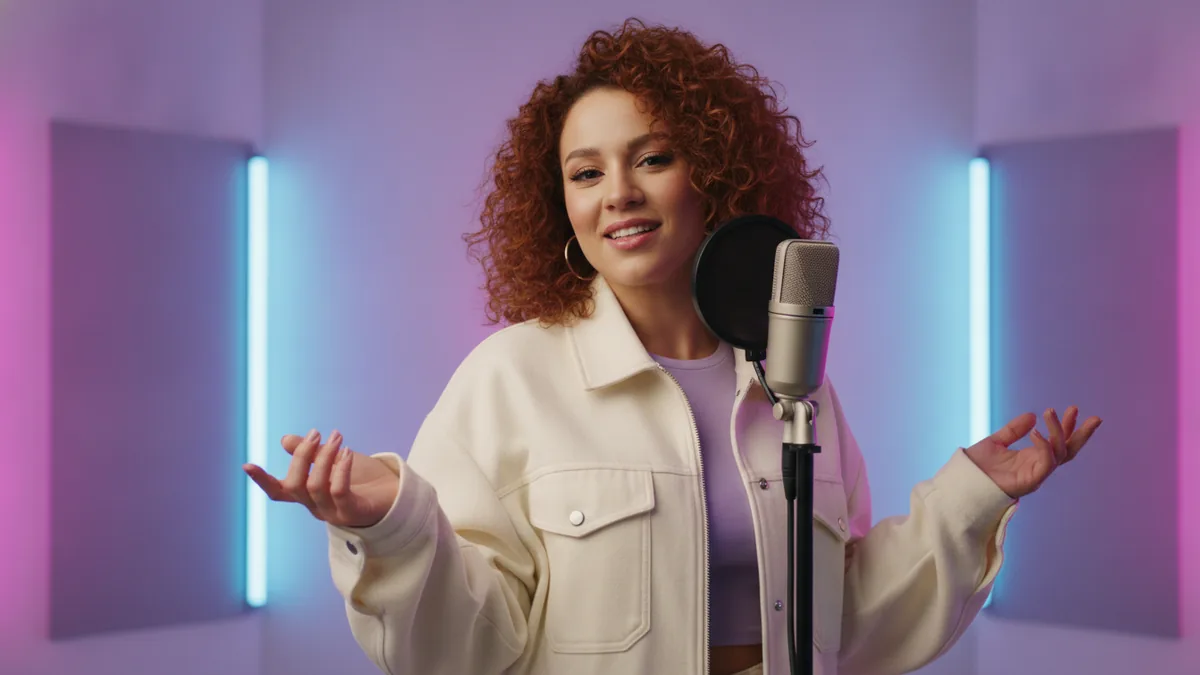
AI Rap Video Generator
Create a short original rap performance from a text prompt.
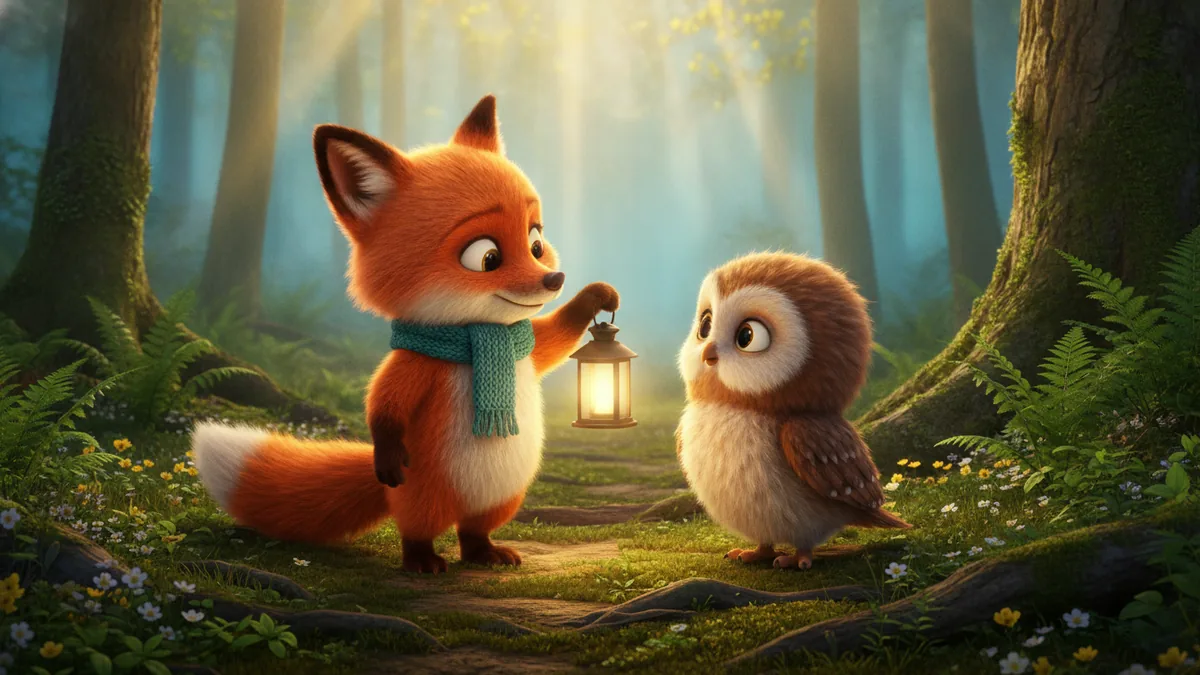
AI Animated Story Generator
Turn one short animated scene into a clip with a clear ending.
Illustrations show the template ideas, not actual generated results.
Text to Video
Type a scene, get the clip you described
Describe the subject, the action, the camera move and the light. The model you pick runs it and returns a video you can download. Media shown here is a prompt idea, not verified VidKiss output.
Clips from 3 to 30 seconds
Set the length before you generate: 3, 4, 5, 6, 8, 10, 12, 15, 20, 25 or 30 seconds. Choose a supported aspect ratio too, where the selected model offers that control.
3 to 30 seconds
Prompt examples built in
The prompt box ships with example scenes you can drop in and edit, so a blank page is never the starting point.
Random prompt · one click
One balance for every model
Credit packs are one-time purchases, and purchased credits never expire.
One account · one balance
Image to Video
Bring one still image into motion
Upload one still you have the right to use, describe how it should move, and the model you pick animates it. Text-to-video and image-to-video share one account and one credit balance. Media shown here is a prompt idea, not verified VidKiss output.
One reference frame, brought into motion
One reference image
Image-to-video takes a single still. Upload something you have the right to use, then describe how it should move.
1 image · 1 prompt
Resolution you can pick
Resolution options depend on the model, and the workspace only offers what the model you picked supports.
Varies by model
Shared credit balance
Text-to-video and image-to-video share one account and one credit balance.
Same balance both ways
Text to Image
Image models for still frames
Nano Banana 2.1, Nano Banana, Nano Banana Pro, Nano Banana 2, GPT Image 2.5, GPT Image 2, Seedream 5 Pro and Seedream 5 Lite handle still output, billed from the same credit balance as video. Media shown here is a prompt idea, not verified VidKiss output.

Still frames from a prompt
Pick the model per still
Nano Banana 2.1 is the lowest-cost option; the other image models are there when you need more detail or editing control. Each model's cost is shown before you submit.
From 12 credits
Same account, same balance
Image output draws on the same credit balance as video. Credit packs are one-time purchases, and purchased credits never expire.
One balance
Stills feed the video workflow
A still you like can be taken into image-to-video as the reference frame.
Still → motion
VidKiss TUTORIAL
How to Create an AI Video in 4 Simple Steps
Text-to-video and image-to-video on VidKiss. The credit cost of each clip is shown before you submit, and from prompt to download, a finished file usually takes a few minutes, depending on the model.
- 01
1. Write a Prompt or Upload an Image
Describe the scene you want — subject, setting, lighting, camera move — or upload a still you have the right to use and let the model animate it. Both modes start from the same box, so you can switch between them without leaving the page.
Text to VideoImage to Video - 02
2. Pick a Model
Pick any video model in the picker. Text-to-video and image-to-video both draw on the same credit balance, and the cost is shown before you submit.
Any ModelOne Balance - 03
3. Set the Length and Aspect Ratio
Set the length — 3, 4, 5, 6, 8, 10, 12, 15, 20, 25 or 30 seconds — and choose an aspect ratio supported by your model, where available. Need a vertical or square layout? If your model supports 9:16 or 1:1, choose it before generation to avoid cropping afterwards.
3 to 30 secondsAspect ratios vary by model - 04
4. Generate and Download
Hit Generate. The exact credit cost is on screen before you submit, and a clip usually comes back in a few minutes, queue time included, depending on the model. When it's done, download the file and post it wherever you need it.
Cost Shown UpfrontA few minutes
What You Can Do on VidKiss
One workspace for text-to-video, image-to-video and image generation. Every model runs on the same account and the same credit balance, so you pick a model per job instead of paying for each one separately.
Text to Video and Image to Video
Describe a scene, or upload one reference image and let the model animate it. Both modes share the same input box and the same credit balance, so you can switch without leaving the page.
Video and Image Models in One Picker
Seedance 2.0 Mini, Seedance 2.0, Seedance 2.0 Fast, Seedance 2.5, Seedance 1.5 Pro, Seedance 1.0 Pro, Veo 3.1, Kling 3.0, Kling 3.0 Turbo, Kling 2.6, Kling 2.5 Turbo, MiniMax H3 and Gemini Omni Flash for video; Nano Banana 2.1, Nano Banana, Nano Banana Pro, Nano Banana 2, GPT Image 2.5, GPT Image 2, Seedream 5 Pro and Seedream 5 Lite for stills. Choose per job — the balance is shared.
Length, Aspect Ratio and Resolution, Set Before You Generate
Clips run 3 to 30 seconds. Choose a supported aspect ratio before generation to avoid cropping afterwards, and choose from the resolutions each model supports.

History, Re-runs and Downloads
Every prompt and result stays in your generation history, so you can compare variations, rerun a prompt and download the file later. Delete any generation whenever you like.

VidKiss: Simple, Transparent Pricing
A 5-second clip starts at 40 credits, depending on the model. Credit packs are one-time purchases that start at $4.98, and purchased credits never expire.
Basic
$9$7.50/month
Billed annually · $90/year
Cost per 100 credits$0.75
Featured models
MiniMax H3Gemini Omni FlashNano BananaGPT Image 2.5Seedream 5 ProVeo 3.1Seedance 2.5Kling 3.0


- 1,000 credits every month
- Up to 1,000 images a year?
- Up to 109 clips a year?
- Every video and image model, from one balance
- Text-to-video and image-to-video
- Commercial use subject to each model provider's terms
- Credits never expire
Pro
$29$24.17/month
Billed annually · $290/year
Cost per 100 credits$0.48
Featured models
MiniMax H3Gemini Omni FlashNano BananaGPT Image 2.5Seedream 5 ProVeo 3.1Seedance 2.5Kling 3.0
- 5,000 credits every month
- Up to 5,000 images a year?
- Up to 545 clips a year?
- Every video and image model, from one balance
- Text-to-video and image-to-video
- Commercial use subject to each model provider's terms
- Credits never expire
Studio
$59$49.17/month
Billed annually · $590/year
Cost per 100 credits$0.45
Featured models
MiniMax H3Gemini Omni FlashNano BananaGPT Image 2.5Seedream 5 ProVeo 3.1Seedance 2.5Kling 3.0
- 11,000 credits every month
- Up to 11,000 images a year?
- Up to 1,200 clips a year?
- Every video and image model, from one balance
- Text-to-video and image-to-video
- Commercial use subject to each model provider's terms
- Credits never expire
Prices in USD. Image counts use the cheapest image model, Nano Banana 2.1; clip counts use a 5-second 480p Seedance 2.0 Mini clip. Actual output depends on the model and settings you pick.
VidKiss FAQ
Questions About the Current Video Release
How is VidKiss different from going to each model's own site?
VidKiss — This is a video workspace, not a self-developed video model. Every video and image model on the site runs on one credit balance, so you do not need a separate account or a separate top-up for each one.
Can I try VidKiss for free?
Yes. New accounts get free credits on signup, which is enough to run your first generations in both text-to-video and image-to-video mode. You don't need to enter a card to use them — you only pay when you buy a credit pack.
Which models can I use right now?
For video you can pick Seedance 2.0 Mini, Seedance 2.0, Seedance 2.0 Fast, Seedance 2.5, Seedance 1.5 Pro, Seedance 1.0 Pro, Veo 3.1, Kling 3.0, Kling 3.0 Turbo, Kling 2.6, Kling 2.5 Turbo, MiniMax H3 and Gemini Omni Flash. For images, the same balance covers Nano Banana 2.1, Nano Banana, Nano Banana Pro, Nano Banana 2, GPT Image 2.5, GPT Image 2, Seedream 5 Pro and Seedream 5 Lite.
What length, aspect ratios and modes are supported?
Text-to-video and image-to-video draw on the same credit balance, with clip lengths from 3 to 30 seconds. Where the selected model offers aspect-ratio control, choose a supported format before generation. Resolution options depend on the model.
How long does a video take to generate?
A clip usually comes back in a few minutes, including queue time. Actual generation time depends on the model and the queue; this is not a completion-time guarantee. Submit one job at a time and review the result before starting the next variation.
How do credits work, and do they expire?
A 5-second clip costs from 40 credits, depending on the model and the length you pick, and the exact number is on screen before you submit. Packs are a one-time purchase — the smallest is 500 credits for $4.98, with no subscription attached. Monthly plans are there if you would rather top up automatically, and purchased credits never expire, so an unused balance is still there the next time a project comes up.
Do I need a powerful GPU or special hardware?
No. Generation runs on our side and you work entirely in the browser, so a laptop, tablet or phone is enough. There is nothing to install, no model weights to download and no GPU to rent.
What makes VidKiss a strong fit for marketing teams?
Text-to-video and image-to-video share one account and one credit balance. The interface is available in English, Traditional Chinese and German; this does not imply multilingual speech generation. Where the selected model offers aspect-ratio control, choose a supported format before generation.
Is VidKiss beginner-friendly for first-time creators?
Start with a text prompt or one reference image. Every video and image model runs on one credit balance. When the job completes, review the video and download a copy to keep or edit.
What kinds of content does VidKiss suit best?
Short pieces: social clips, product b-roll, ad concepts, storyboard previews and looping background footage. Because clips run 3 to 30 seconds, it works best when you're producing a lot of short cuts rather than one long continuous scene.
