One result image
The helper creates a single combined image for the next step. It does not make a video or an original recording.
Model
Static JPEG, PNG or WebP · ≤5 MiB each · ≤80 MiB total · up to 2 images
First person left; second person right; fully clothed; fixed frontal mid-thigh-up framing; one central silver hanging microphone; orange studio; no instruments
Aspect ratio
Resolution
Format
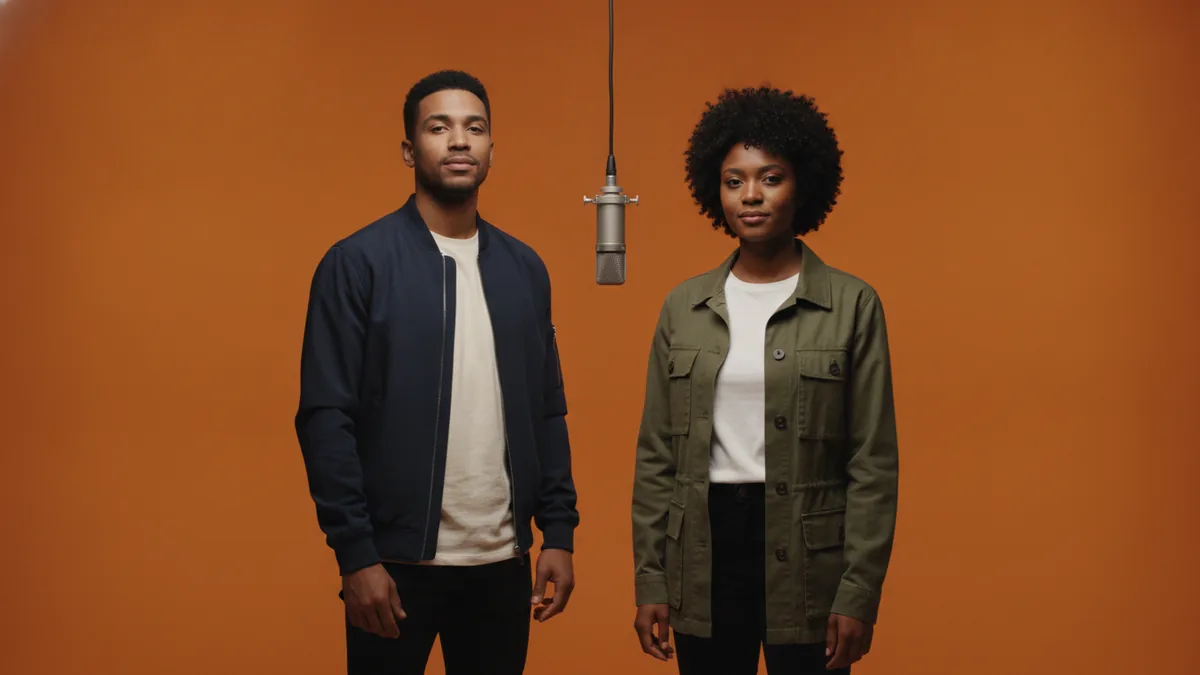
The illustrations help you choose an effect. They are concept art, while your result can vary with the prompt, source image, and model settings.
Combine exactly two permitted adult portraits into one fully clothed image, with the first person on the left, the second on the right and one central silver hanging microphone in an orange studio. Use the finished frame as the single image input for the Hotel Lobby AI video workflow.
What this creates: Nano Banana 2.1, the default image model for this tool, combines the two uploaded portraits into one duo frame. The output is a visual preparation step; it is not a video, an original recording, or an automatic second generation.
Upload exactly two images, state the left-and-right placement, and review the exact image-generation cost before you create the frame.
Use two permitted portraits of adults. The output combines them into one fully clothed frame, with the first person on the left and the second on the right.
Keep the prompt focused on the duo composition and any safe visual details you want to adjust. The result can vary, including identity and small visual features.
Check the exact credit cost beside Generate before submitting. This frame job is charged separately; it does not automatically start the Hotel Lobby AI video job.
This helper makes one combined image you can carry into the Hotel Lobby AI video workflow. It does not record people or create the video itself.
The helper starts with Nano Banana 2.1 to combine the two portraits. Other compatible image-to-image models remain selectable when available.
The prompt asks for the first person on the left and the second on the right, but the output can vary. Review the frame before using it for video.
Use permitted adult portraits and request a fully clothed composition. Existing input and output moderation still applies.
The helper creates a single combined image for the next step. It does not make a video or an original recording.
Identity, facial details, clothing, placement, and other visual features can change during generation. Check the result before continuing.
Upload exactly two permitted adult portraits. The helper combines them into one fully clothed image, with the first person prompted on the left and the second on the right.
Nano Banana 2.1 is the default image-to-image model for this preparation workflow. You can select another compatible image-to-image model when the workbench offers one.
Not necessarily. Identity and visual details can vary, so review the output before using it in the video workflow.
No. Frame preparation and video generation are separate steps. Each step shows its own exact credit cost before generation, and you choose when to start the video.
No. The helper creates one still image. It does not record either person, make audio, or generate a video.
Select Make video to open the Hotel Lobby AI workflow, upload the combined frame as its single image input, and review that video job's separate cost before generating.