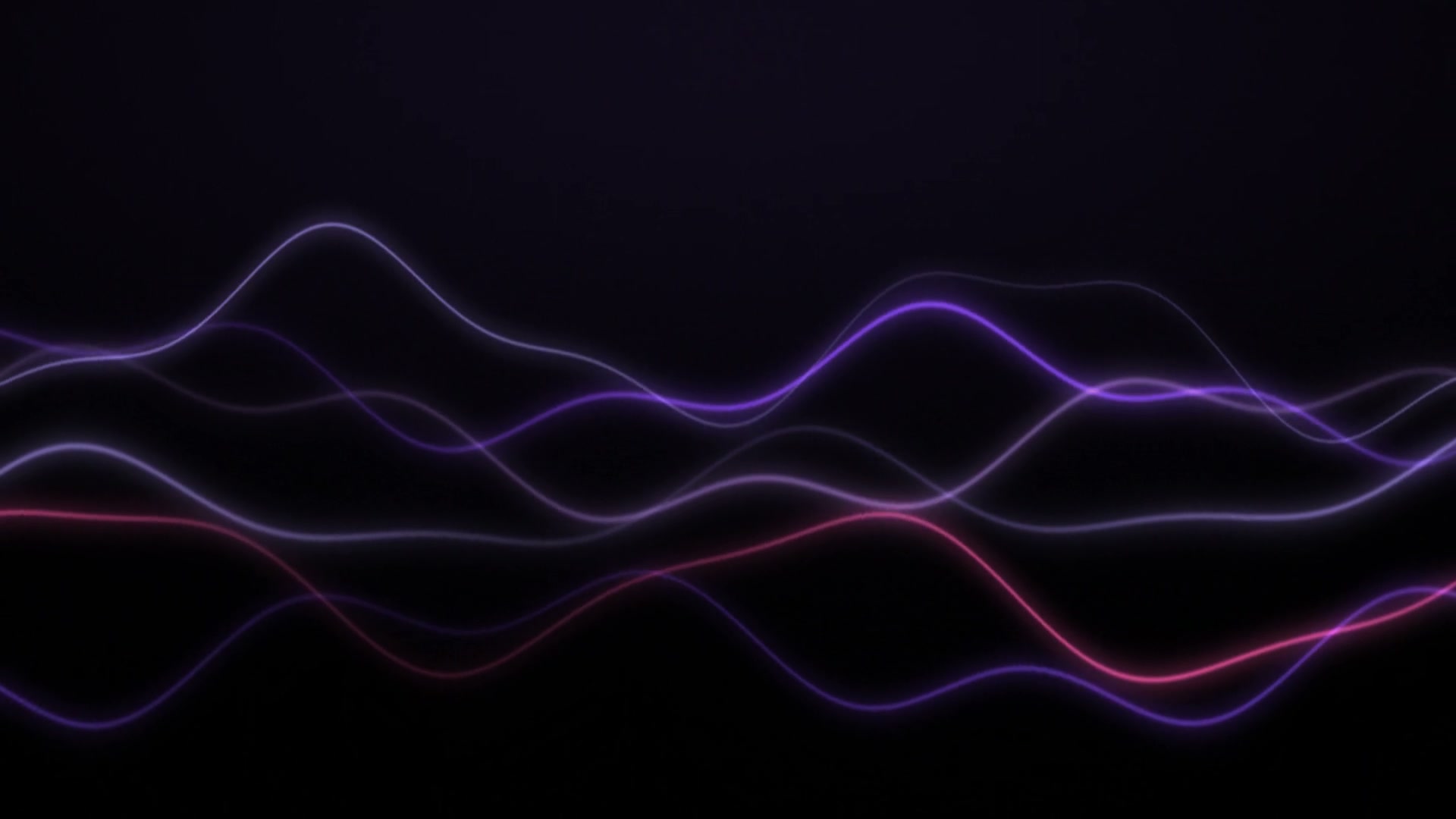
Uploaded start frame
This still was uploaded first to guide the opening.
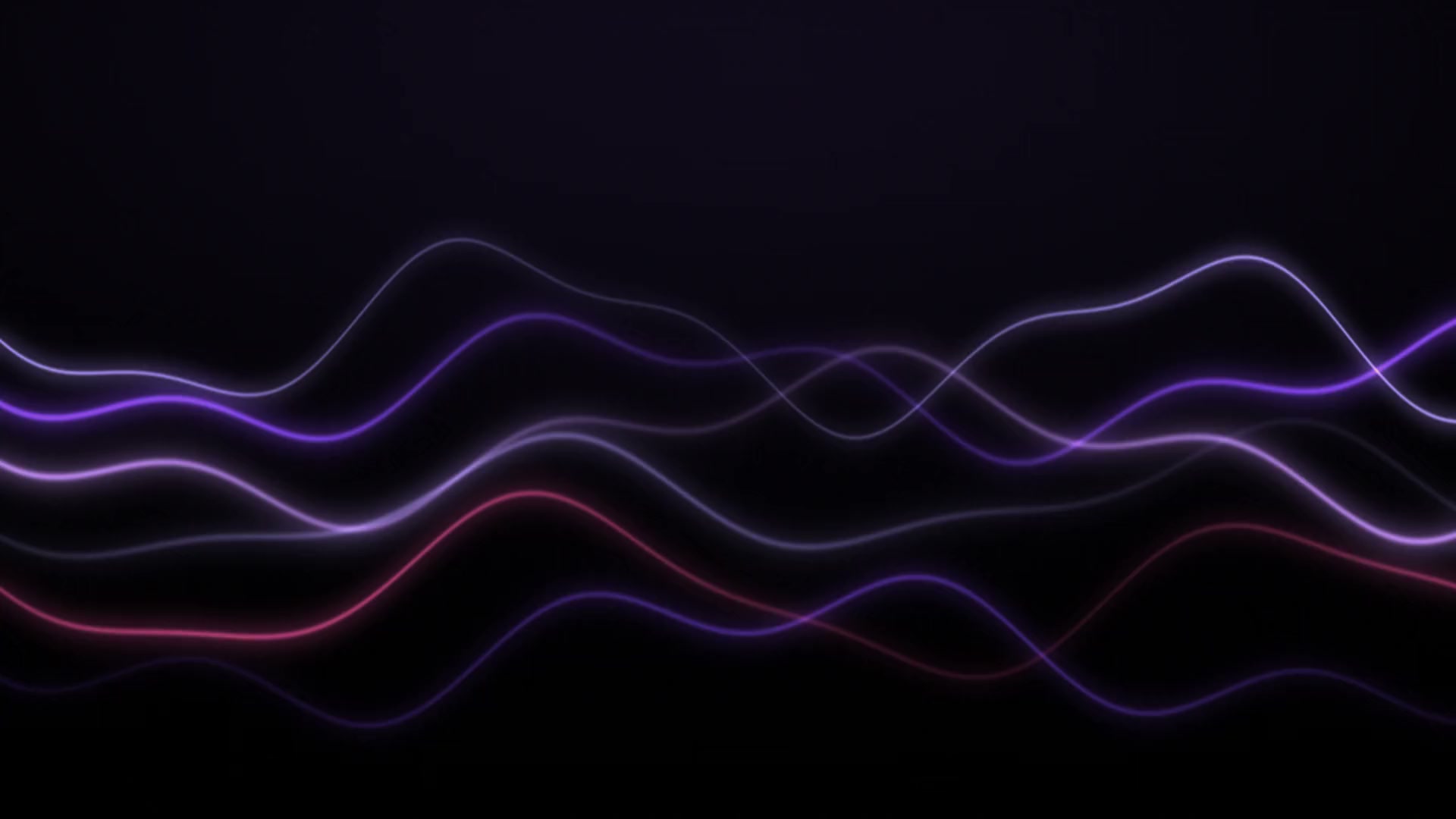
FIRST + LAST FRAME VIDEO
The start frame opens the video, the end frame closes it, and the video transitions between the two.
We tested these two in-house ribbon images on October 2, 2026. Veo 3.1 delivered an 8-second clip after the content checks. The motion and extra glow show how the model interprets the space between the endpoints.
Image to video · Veo 3.1 · 8 seconds · 720p · 16:9.
Let the abstract violet light ribbons flow slowly from the uploaded start frame to the uploaded end frame. Keep the camera locked, the background near black, and the glow soft. Use smooth continuous motion with no text, no cuts, and no new objects.
The second upload is optional. A single start image still works as ordinary image-to-video; when both images are present, the model generates a transition between them.
Choose a still you own or have permission to use. This image opens the clip and gives the model the starting composition.
Choose a second still for the closing moment. This option appears only for models that support an end frame.
Guide the camera, subject action, pacing, and lighting between the two images. Keep the prompt about the transition rather than restating every pixel.
The model fills in the intermediate frames. Review the result, then download it from your history if it fits the brief.
First-and-last-frame generation gives the render a beginning and an ending. It does not force every intermediate frame or guarantee exact identity, geometry, or timing.
The uploaded start frame is the opening reference. A clear subject, stable framing, and enough room for motion usually give the model a stronger starting point.
When you add an end frame, it is treated as the destination of the transition. It is optional, and the control is available only for models that support end frames.
Use the prompt to describe movement, camera direction, and continuity. The generated middle is an interpretation; matching the two uploaded images perfectly is not guaranteed.
Upload your own work or an image you are licensed to animate. Content checks still apply before generation.
Available durations, resolutions, aspect ratios, and credit costs vary by model. The workspace only offers supported combinations.
These are prompt ideas, not verified outputs. Try them with your own start and end frames, then adjust one motion detail at a time.
Create a smooth, restrained camera move between the uploaded start and end frames. Preserve a coherent layout, subject placement, and lighting as the scene transitions naturally.
Move slowly from the uploaded start frame to the uploaded end frame with a gentle camera push and a soft change from morning light to warm afternoon light. Keep the subject grounded and the transition calm.
No. The end frame is optional. Upload only a start frame for a regular image-to-video clip, or add a second image when you want to guide the closing moment.
It gives the model a target for the end of the clip. The start frame opens the video, the end frame closes it, and the model generates the transition between them.
No result can promise that. The model creates the intermediate frames, so subject identity, geometry, and timing can drift. A prompt can guide the motion and continuity but cannot force every intermediate frame.
The page shows image-to-video models that support an end frame. Models without that support are hidden for this workflow; the available duration, resolution, and aspect-ratio controls still depend on the model you choose.
The exact credit cost depends on the selected model, duration, resolution, and other supported settings. The workspace shows the current estimate before you submit. If a content check blocks a request before generation starts, no credits are charged; later technical failures follow the current refund policy.
Upload only images you own or are licensed to use. Do not use private or identifiable material without permission, and remember that every upload and generated clip remains subject to the platform and model provider terms.