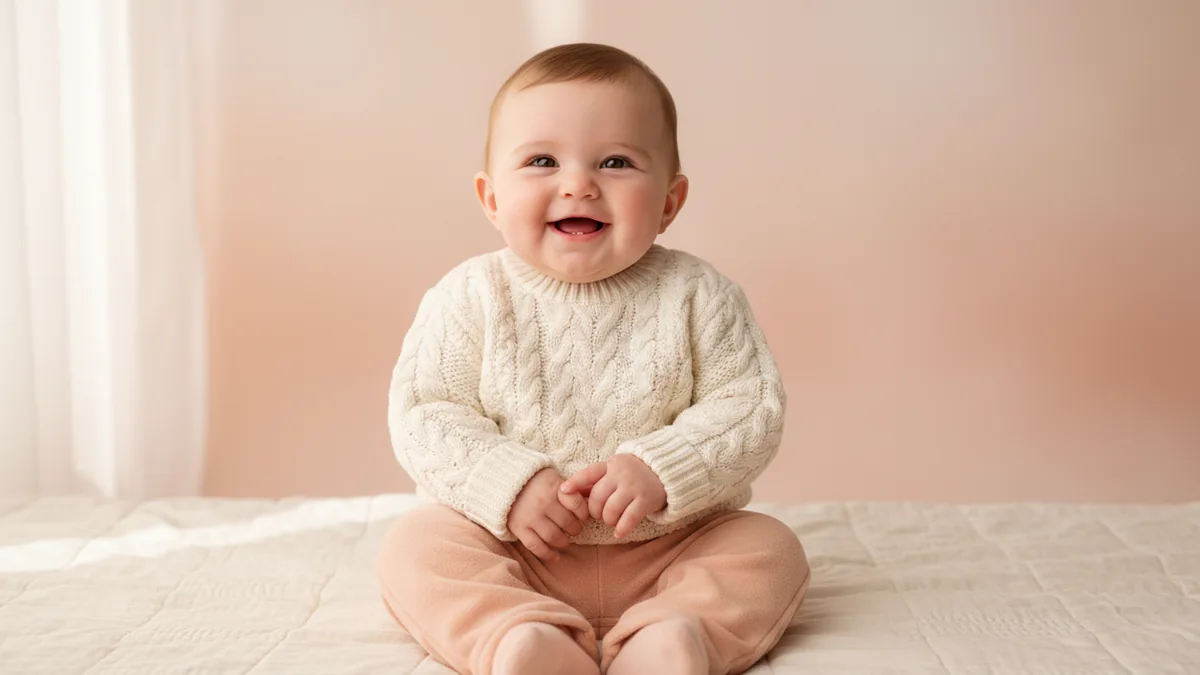
The AI Baby Generator makes a fully clothed imagined baby concept from exactly two permitted adult portrait references. It is a creative image-to-image treatment. The output is not a genetics tool, a parentage test, an identity result, or a prediction about what a real future child would look like.
These suggested prompts are not examples of tested outputs; use them as editable starting directions.
1. Choose two portraits you can use
Start with exactly two clear adult portraits that you have permission to upload and transform. Faces that are visible and reasonably well lit give the workflow a more useful visual starting point. The two images are references, not a record of biological information. Avoid uploading a portrait simply because it is public; permission to view an image is different from permission to transform it.
2. Keep the concept ordinary and fully clothed
The template already supplies the imagined baby direction. Use the details field to guide the setting and presentation: a cream knit sweater, a peach studio, a gentle seated pose, or soft daylight. A short list of visible choices is easier to review than a story with several locations. Keep the result fully clothed and appropriate. The tool does not establish identity or make a claim about a real family.
3. Review the exact quote before generating
The workflow starts with Nano Banana 2 image-to-image and two portrait inputs; other compatible image models may be available. Check the selected model and the required input count shown in the workbench, then read the current credit quote beside Generate before submitting. The quote can change with the live settings and account rules, so treat the number on the page as the source of truth. The upload, prompt, and result remain subject to moderation.
4. Inspect the image as a concept
Look at the faces, hair, clothing, proportions, background, and number of people. A reference guides the model but does not guarantee an exact likeness or a biologically meaningful result. If the scene feels too busy, change one detail at a time: simplify the backdrop, adjust the clothing color, or request a calmer crop. Keep the wording framed as an imagined visual direction rather than a prediction.
If you want to create a fictional adult character from words instead, try the AI Girl Generator. For a different image transformation, use Image to Image, or browse the prompt library for editable directions.